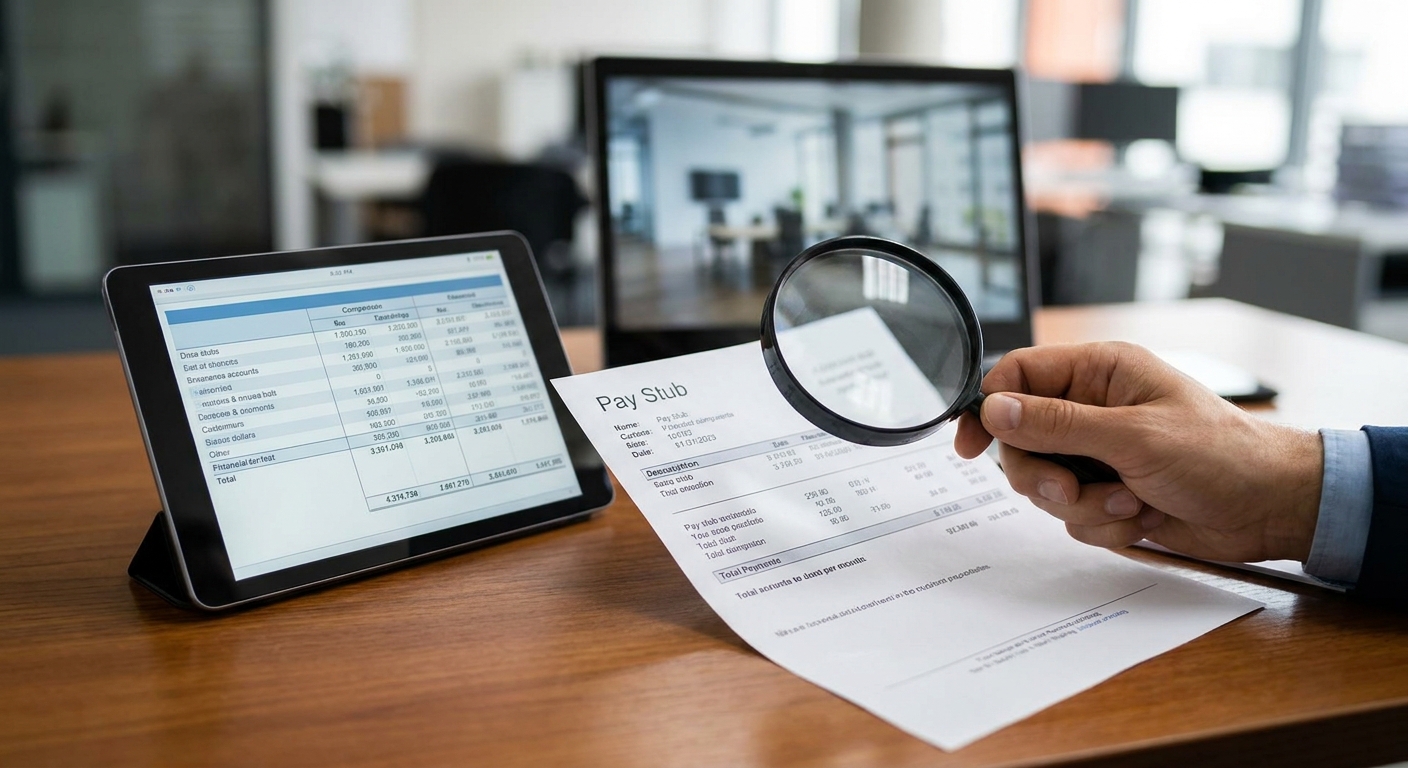
Doctored pay stubs are the single most common fraud attempt underwriters see in 2026, and most of them pass a visual review because the fraudster only had to fool a human eye, not a parser.
This guide walks through the exact checks — font consistency, YTD math, deposit correlation — that catch a faked stub before it becomes a bad loan.
TL;DR
Detecting doctored pay stubs during underwriting means checking three things every time: does the YTD gross math actually add up across pay periods, does the net pay on the stub match what actually lands in the bank account, and does the document's font/formatting stay consistent from header to footer. Verdict: manual review alone misses roughly 1 in 5 altered stubs — pair it with bank statement cross-referencing. ClearStaq runs this cross-check automatically across 27+ fraud signals in under 5 seconds per file, which is the fastest path to catching doctored pay stubs during underwriting at scale in 2026.
Why this matters
A pay stub is a Word document with numbers on it. Anyone with basic editing software can change gross pay, adjust YTD totals, or fabricate an employer entirely — and stub-generator websites make this trivial. The stub itself is not proof of income; it's a claim of income.
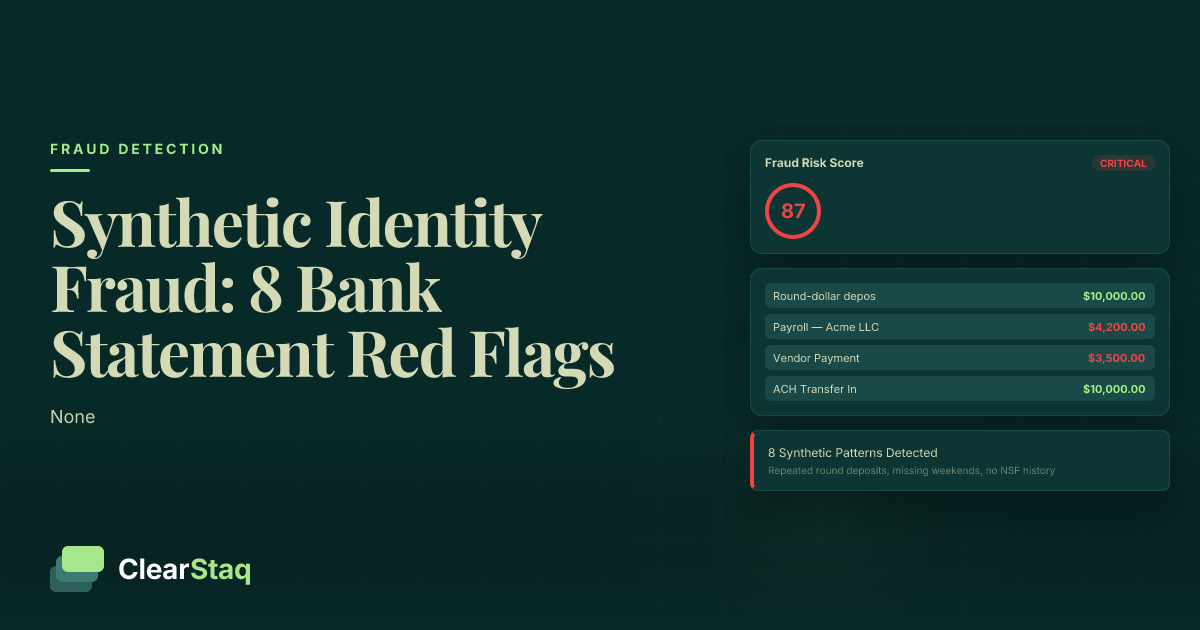
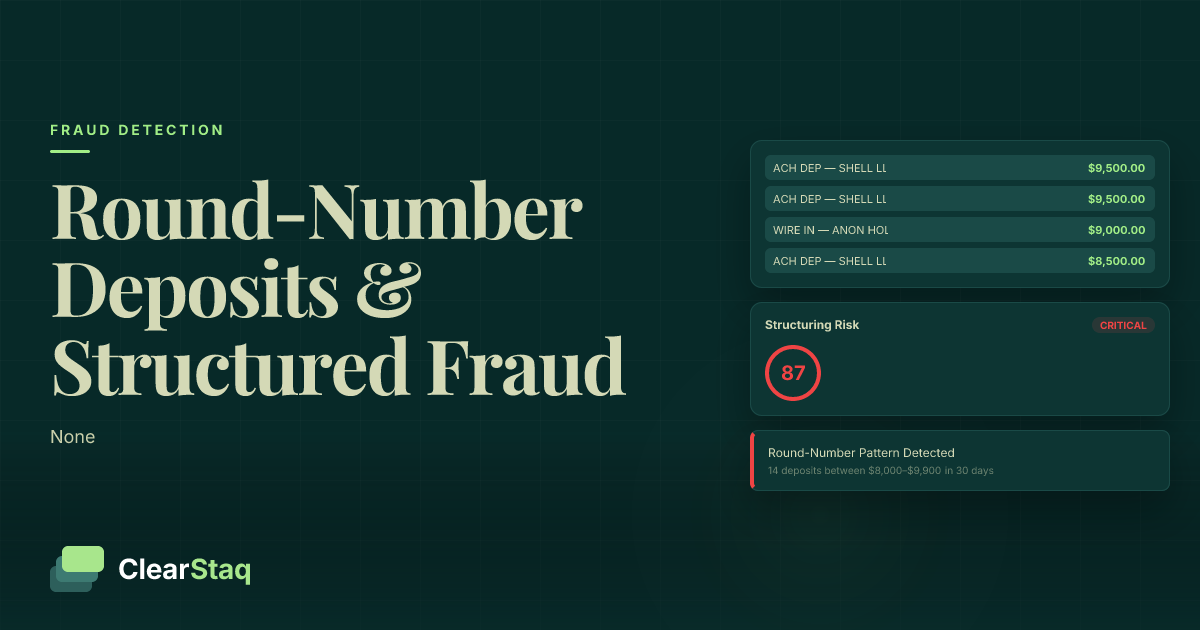
What actually proves income is the money hitting the bank account. That's why underwriting teams that catch doctored stubs consistently pair the stub against the income smoothing detection process run on the applicant's bank statements — a mismatch between the two documents is the single strongest fraud signal in the file. In 2026, applicants increasingly submit both documents from the same fraud kit, so checking only one and not the other misses the pattern entirely.
What you'll need
- The applicant's pay stub (PDF or scanned image, ideally the most recent one plus one from 60-90 days prior)
- 2-3 months of the applicant's bank statements covering the same pay periods
- A PDF metadata viewer (built into Adobe Acrobat, or any free online tool)
- A calculator or spreadsheet for YTD math verification
- Access to a fraud detection or bank statement parsing tool — reviewing this manually for every file does not scale past a handful of applications a week
The steps
1. Check the YTD math against the pay period
Every legitimate pay stub's year-to-date gross should equal the sum of all prior pay periods plus the current one. Multiply the gross-per-period by the number of pay periods elapsed in the year and compare it to the YTD figure printed on the stub.
A mismatch of more than a few dollars — not thousands, just a rounding gap that shouldn't exist — signals someone edited one field without updating the other. Common mistake: underwriters check that the numbers "look reasonable" instead of doing the actual multiplication. Doctored stubs almost always fail this test because fraudsters edit the gross-pay field to inflate income but forget the YTD total has to move with it.
2. Cross-reference net pay against actual bank deposits
Pull up the bank statement for the same pay date and look for a deposit matching the stub's net pay, typically from a payroll provider like ADP, Paychex, or a direct employer ACH. The deposit should land within 1-2 business days of the stated pay date and match the net figure within a few dollars for tax withholding rounding.
If the stub says $4,200 net and the corresponding deposit is $2,800, that's not a rounding error — that's a fabricated stub. This single check catches the majority of income-inflation fraud because faking a stub is easy; faking a matching bank deposit history requires controlling the bank feed itself, which is a much higher bar.
3. Inspect font and formatting consistency
Open the PDF and zoom to 200% on the employer name, pay rate, and net pay fields. Genuine stubs are generated from a single payroll template, so every field uses identical font, kerning, and alignment.
A doctored stub usually shows a subtle font mismatch — Calibri next to Arial, or slightly different letter spacing — in the exact field that was edited. This is the easiest tell to miss on a screen but obvious once you know to zoom in on the numbers, not the logo.
4. Pull and review PDF metadata
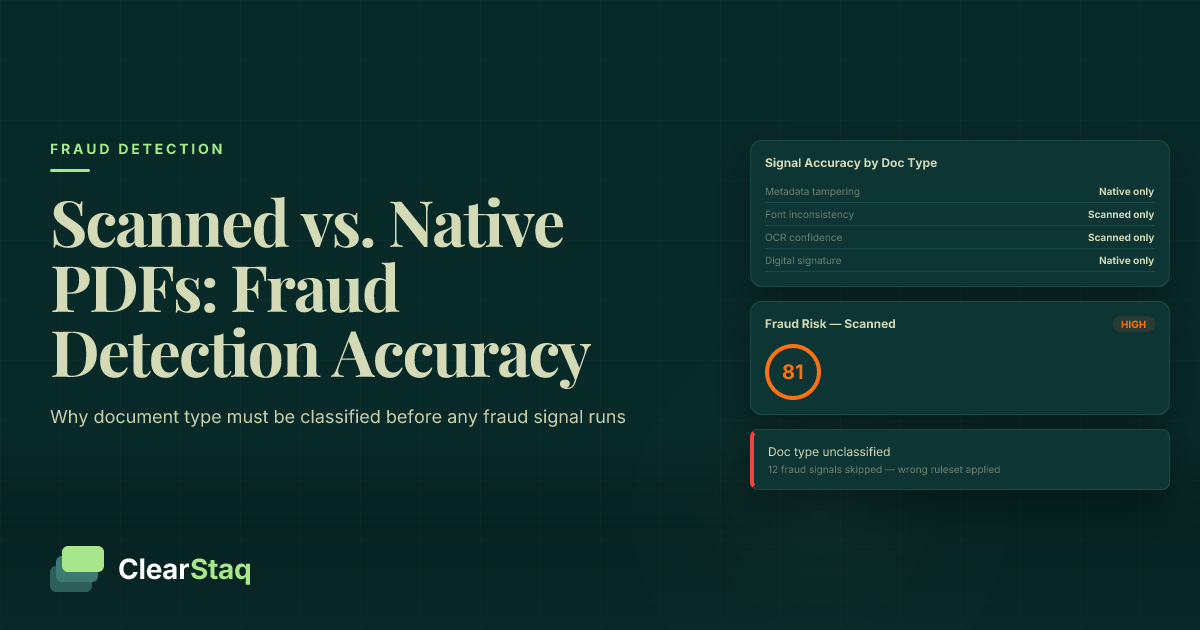
Right-click the file (or use Acrobat's Document Properties) and check the "Created" and "Modified" timestamps, plus the "Producer" field. A stub straight from ADP or Paychex shows a payroll-system producer tag like "ADP Payroll Services" — not "Microsoft Word" or "Canva."
If the modified date is days or weeks after the stated pay date, or the producer is a consumer editing tool, treat the document as unverified until the applicant produces a second source. This check takes under 10 seconds and catches a surprising share of low-effort fraud attempts.
5. Verify employer details independently
Search the employer name and address printed on the stub. A shell employer or an address that resolves to a residential property is a hard red flag — legitimate employers have a verifiable business presence, a phone number that connects, and often a LinkedIn page with actual employees.
This step matters most for self-reported or 1099-adjacent income where the "employer" is the applicant's own entity. Common mistake: skipping this because the stub format itself looks professional — polished formatting says nothing about whether the employer exists.
6. Check deduction line items for internal consistency
Federal withholding, state tax, and FICA (7.65% combined for Social Security and Medicare in 2026) should track logically against the gross pay bracket. If gross pay is $5,000 biweekly but federal withholding is $40, the numbers don't reflect any real W-4 configuration.
Fraudsters editing gross pay upward frequently forget to adjust the tax lines proportionally, leaving a stub where the net-to-gross ratio doesn't match any plausible tax bracket for that income level.
7. Run automated cross-document analysis
For any volume beyond a handful of files a week, manual checks across steps 1-6 stop scaling. An automated parser applies the same YTD math, deposit correlation, and metadata checks against every file in under 5 seconds and flags exceptions instead of asking an underwriter to eyeball every stub.
ClearStaq applies 27+ fraud signals across pay stubs, bank statements, and tax returns simultaneously, catching combinations — like a doctored stub paired with a bank statement showing commingled personal and business funds — that a human reviewer checking documents one at a time is likely to miss. Teams using this approach on comparable document fraud in document fraud detection software for mortgage lenders report cutting manual review time by roughly 95%.
Troubleshooting
- The YTD math is off by exactly one pay period's worth. This usually means the applicant switched jobs mid-year and submitted a stub from the new employer without the prior employer's YTD carried over — request the prior stub before flagging as fraud.
- Deposits match net pay but arrive on irregular dates. Gig and 1099 income legitimately posts on irregular schedules; verify against the employer's payment terms rather than assuming fraud from timing alone.
- PDF metadata shows "Adobe Acrobat" as producer instead of a payroll system. Some legitimate employers export stubs to PDF manually from an internal HR system — check for a company letterhead and second corroborating document before rejecting.
- Font mismatch is present but subtle. Compare against a second stub from the same employer, if available, to confirm it's not just a template quirk of that particular payroll provider.
- Employer can't be verified online. Small or newly formed businesses may legitimately lack a web presence in 2026 — request a business license or EIN letter as a secondary check before declining.
- Bank deposits are close but not exact to net pay. A few dollars of variance from tax rounding is normal; anything over roughly 2-3% of net pay warrants a second look.
Tools and resources
- A PDF metadata viewer for checking Producer and Modified date fields
- 2-3 months of bank statements for deposit correlation
- An automated fraud detection layer that scores pay stubs, bank statements, and tax returns together — ClearStaq processes documents in under 5 seconds with 99.5% accuracy across 900+ bank formats
What to do next
Once pay stub verification is standardized, extend the same cross-document logic to auto loan files, where doctored stubs are frequently paired with inflated trade-in values — see how the same fraud signals apply in document fraud detection software for auto lenders.
FAQ
What's the fastest way to detect a doctored pay stub? Cross-reference the stub's net pay against the actual bank deposit for the same pay date — a mismatch is the strongest single signal and takes under a minute to check manually, or under 5 seconds with an automated parser.
Is checking PDF metadata reliable for pay stub fraud? It's a strong secondary signal but not standalone proof — a mismatched Producer field or a Modified date after the stated pay date both indicate the file was edited after generation, but legitimate employers occasionally export stubs manually.
How common is pay stub fraud in lending in 2026? Stub-generator sites and template editing tools have made low-effort fraud attempts common enough that most underwriting teams now treat unpaired stub-only verification as insufficient on its own.
Can a doctored pay stub pass a visual review? Yes — a well-edited stub with matching fonts and plausible numbers routinely passes a quick visual check, which is why YTD math and deposit correlation matter more than how the document looks.
Do employers verify pay stubs directly? Some do through a written verification of employment (VOE) request, but this adds days to the process and doesn't scale for high-volume underwriting the way document cross-referencing does.
What's the difference between income smoothing and a doctored pay stub? A doctored stub is an edited document with fabricated numbers; income smoothing is a pattern across real bank statements where deposits are structured to look more consistent than actual cash flow — both require checking the bank statement, not just the stub.
How much does automated pay stub verification cost versus manual review? Manual review runs 15-30 minutes per file for a thorough check across all six steps above; automated parsing that runs the same checks completes in seconds, which is the main reason lenders are shifting volume to automated tools in 2026.
Does ClearStaq check pay stubs specifically or just bank statements? ClearStaq's fraud detection layer applies its 27+ signals across bank statements and tax returns, with cross-document logic that flags inconsistencies between stated income and actual deposit history — the strongest way to catch a doctored stub is confirming it against the applicant's real cash flow.
One last thing
The stub itself is the least reliable document in the file — it's just a claim. The bank statement is the record of what actually happened, and that's the document that should carry the most underwriting weight in 2026.
Related guides
ClearStaq Team
Content Team
The ClearStaq team builds AI-powered tools for bank statement parsing, fraud detection, and income verification.