Fake bank statements are the single most common lending fraud vector in 2026 — and the good ones are built with the same PDF editors CPAs use for legitimate statements, so eyeballing a file no longer catches much. This guide walks through the manual checks and the automated signals that actually separate a real statement from a doctored one.
TL;DR
Fake bank statements get caught by cross-checking arithmetic, metadata, font consistency, and transaction patterns against what a real bank actually produces — not by "looking official." Manual review catches the obvious edits; a fraud detection platform like ClearStaq catches the rest, running 27+ signals against a statement in under 5 seconds. Verdict: manual review alone is not sufficient for 2026 loan volumes — pair it with automated parsing before funding.
Why this matters
A broker or underwriter reviewing 40 files a week doesn't have time to reconcile every running balance by hand, and borrowers know it. Doctored statements in 2026 are rarely crude Photoshop jobs anymore — they're edited in the original PDF layer, with balances adjusted to hide NSF fees, inflate average daily balance, or mask a competing MCA position. The statements that get funded on bad data don't default quietly; they default after the funds are already out the door, and by then the fraud signal was sitting in the file the whole time.
Most lenders still rely on a human staring at a PDF for 30-60 seconds. That catches typos and obvious font mismatches. It does not catch a balance column that's been recalculated with the wrong compounding, a statement stitched together from two different months, or a legitimate-looking file with an editable text layer sitting under a scanned image. Those require a systematic check, not a glance.
What you'll need
- The full bank statement PDF — not a screenshot, not a cropped image
- At least 2-3 consecutive months for the same account, not a single isolated statement
- The borrower's tax returns or payroll records, if available, for cross-reference
- A PDF viewer that shows document properties and metadata
- A calculator or spreadsheet for running-balance verification
- Ideally, a fraud detection platform that scores the document automatically rather than relying on manual pattern-spotting alone
The steps
1. Check the file metadata before you check the numbers
Every PDF carries metadata: creation date, modification date, producer software, and author field. Open the document properties panel and look for a modification date that's days or weeks after the statement's stated period, or a producer field that reads "Adobe Acrobat" or "Photoshop" when the bank in question generates statements through a proprietary export tool.
A real Chase, Bank of America, or Wells Fargo statement typically shows a consistent producer signature across every page and every month. If the metadata was stripped entirely or shows a generic PDF editor, that's a red flag worth escalating — not a definitive fraud finding on its own, but a reason to dig further.
Common mistake: stopping at metadata alone. Sophisticated edits strip or fake metadata fields, so treat this as step one of several, not the whole check.
2. Reconcile the running balance line by line
Add every deposit, subtract every withdrawal, and confirm the resulting balance matches the "ending balance" printed at the bottom of each day or statement period. Real bank statements never have a rounding error in this math — the ledger is generated by the bank's core system, not typed by hand.
If you find even one day where the math is off by more than a cent, the statement has been edited. Genuine statements are internally consistent to the penny across 100% of transactions, every time.
Common mistake: only checking the beginning and ending balance for the month instead of every daily balance in between. Fraudsters often get the bookends right and miss a mid-month day.
3. Cross-check transaction dates against the calendar
Banks post transactions on business days, and recurring items — payroll, rent, subscriptions — land on the same weekday or date range every cycle. Pull up a calendar and check whether deposits marked as landing on a Saturday or Sunday actually make sense, since most ACH deposits post Monday through Friday.
A deposit dated "June 31" or a Sunday payroll credit is a clear sign someone typed dates by hand instead of the transaction coming from an actual core banking feed.
Common mistake: assuming date errors are just typos. In a genuine statement generated by a bank's system, a date error of this kind cannot exist — the system won't produce an invalid date.
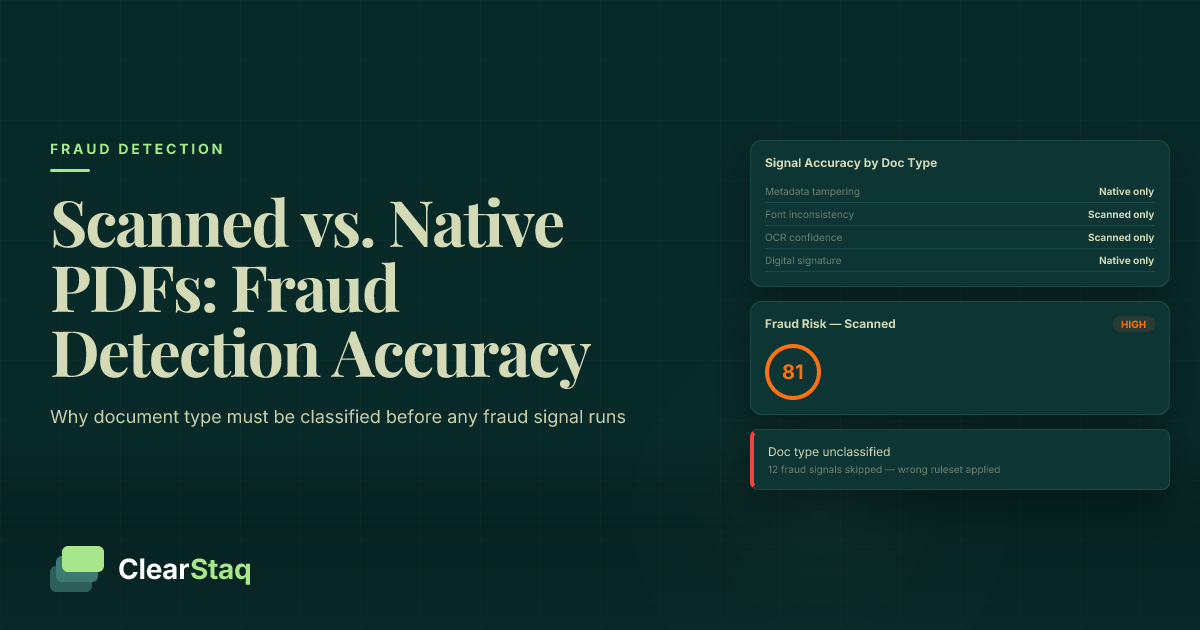
4. Look for font, spacing, and alignment drift
Zoom in to 300% on the transaction table. Real bank statements use one font, one column width, and consistent decimal alignment across every single row, every single page, every single month. Edited statements often show a subtle font weight shift on one or two rows, a decimal point that's off by a pixel, or a row height that doesn't match its neighbors.
This check is slow by hand but fast for software — a parsing engine built to handle 900+ statement formats flags formatting drift as one of its structural checks automatically, because it knows what the authentic template looks like for that bank.
Common mistake: relying on this check alone for a low-resolution scan. Compression artifacts can mimic formatting drift, so pair it with the balance reconciliation in step 2.
5. Screen for structuring patterns in the deposits
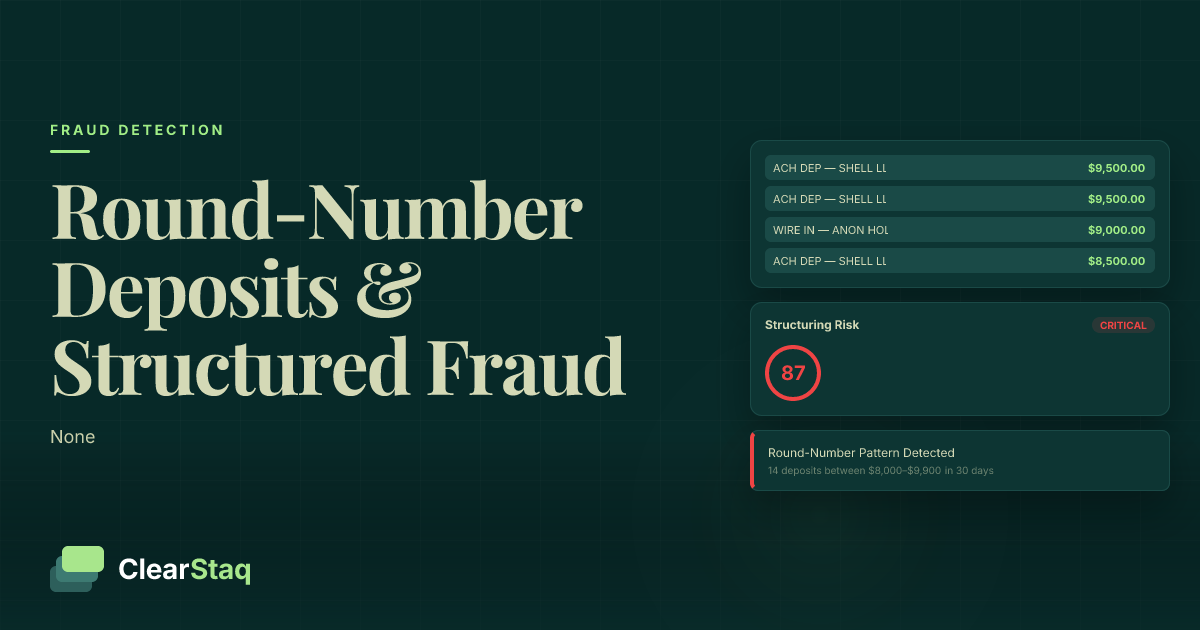
Deposits just under $10,000, spaced a few days apart, from the same source, are a classic structuring pattern used to dodge reporting thresholds — and it shows up constantly in both fabricated and real-but-fraudulent statements. Review the structuring pattern guide for the specific deposit-timing signatures to look for.
This matters even when the statement itself is authentic — structuring is a business-behavior red flag independent of whether the PDF was edited, and it changes how you should underwrite the deal.
Common mistake: treating structuring as only a document-fraud issue. It's often a legitimate statement showing illegitimate cash-handling behavior, which is a different underwriting risk entirely.
6. Check for commingled personal and business funds
A business bank statement that shows Venmo transfers, personal payroll deposits, or retail purchases mixed into the ledger complicates revenue verification even when every transaction is real. This isn't always fraud — it's often just poor bookkeeping — but it inflates apparent revenue if you're not separating it out. The commingled funds detection guide breaks down the specific transaction categories to isolate before calculating average monthly revenue.
Common mistake: counting every deposit as business revenue without separating personal transfers, which overstates the number you use to size the loan.
7. Cross-reference against tax returns or payroll records
If the borrower's tax return shows $340,000 in gross receipts for the year but the bank statements show $580,000 in total deposits, that gap needs an explanation — loans from family, a business sale, or transfers between accounts — not a shrug. Tax returns are filed under penalty of perjury, which makes them a harder document to fabricate consistently across a full year than a single month of bank statements.
Common mistake: skipping this cross-reference on "fast-close" deals. The deals that skip verification steps to close in 24-48 hours are disproportionately the ones with a fabricated statement somewhere in the file.
8. Run the file through automated fraud scoring before funding
Manual review catches maybe half of what's wrong with a doctored statement, and it takes 10-15 minutes per file done properly. A parsing platform built for this — ClearStaq processes a statement in under 5 seconds and runs 27+ fraud signals against it, including the metadata, formatting, and arithmetic checks above, plus signals a reviewer can't check by eye, like duplicate transaction hashes across supposedly unrelated files.
The output is a confidence score, not a guess, and 99.5% parsing accuracy means the underlying numbers you're checking are actually correct in the first place.
Common mistake: running the automated check after the funding decision instead of before it. The score is only useful as a gate, not a postmortem.
Troubleshooting
Problem: the statement passes every visual check but the revenue number still feels too high. Run a seasonal comparison across 12 months instead of the 3 months submitted. A borrower can cherry-pick their three strongest months and still submit fully authentic, unedited statements — the fraud is in the selection, not the document.
Problem: multiple months from the same bank look formatted differently from each other. Banks do update their statement templates once or twice a year, so a format change alone isn't proof of tampering. Check whether the change lines up with a publicly known template update from that bank, or whether it's isolated to just one submitted month.
Problem: the PDF won't show metadata at all. Some banks flatten statements to remove metadata by default as a security practice, so an empty metadata field isn't automatic proof of editing. Weight this signal lower and lean harder on the arithmetic and formatting checks instead.
Problem: the borrower only provides screenshots or cropped images. Decline the file and request the full PDF directly from the bank portal or via a read-only bank connection. A screenshot cannot be metadata-checked, balance-reconciled reliably, or run through a parsing engine with any confidence.
Problem: the deposits look structured but the borrower has a plausible business reason. Document the explanation and verify it against invoices or contracts before waiving the flag. Plausible doesn't mean verified — get the paper trail.
Problem: income smoothing makes monthly revenue look artificially stable. Check for round-number deposits that don't tie to any invoice or customer name — a common income-smoothing tactic. The income smoothing detection guide covers the specific patterns that indicate manufactured stability versus genuine consistent revenue.
Tools and resources
- A PDF viewer with document properties/metadata access (built into most desktop PDF readers)
- A spreadsheet template for running-balance reconciliation
- Bank format references for major issuers — Chase, Bank of America, Wells Fargo statements each follow a distinct internal template
- An automated parsing and fraud detection platform that scores documents against dozens of signals simultaneously rather than one at a time
- Tax return and payroll record access for cross-referencing reported income against bank deposits
What to do next
Once you can spot a doctored statement manually, the next step is building the check into your underwriting workflow so it doesn't depend on any one reviewer catching it. Lenders and brokers scaling past a few dozen files a month typically move this into automated scoring rather than a manual checklist — mortgage underwriters, in particular, deal with a different set of forgery patterns than MCA brokers do, and the mortgage lender fraud detection breakdown covers what's specific to that segment.
FAQ
What's the fastest way to detect a fake bank statement? Reconcile the running balance line by line against every deposit and withdrawal — genuine statements are internally consistent to the penny, and any arithmetic mismatch is a hard fail, not a judgment call.
Can PDF metadata prove a statement is fake? Not on its own. Metadata showing a mismatched modification date or generic editor software is a strong red flag, but some banks strip metadata as standard practice, so pair this check with formatting and arithmetic verification.
Is a screenshot of a bank statement ever acceptable for underwriting? No. A screenshot can't be checked for metadata, can't be reconciled reliably against the full ledger, and can't be run through a parsing engine — always require the original PDF.
How many months of bank statements should I request to catch fraud? Request at least 3 consecutive months, and 12 months when seasonal revenue is a factor, since a single strong month can be cherry-picked from an otherwise inconsistent year.
Do structuring patterns always mean fraud? No. Structured deposits — amounts just under $10,000, spaced days apart — flag a business-behavior risk worth investigating, but the underlying statement can still be completely authentic.
How accurate is automated bank statement fraud detection in 2026? Platforms like ClearStaq report 99.5% parsing accuracy with 27+ fraud signals scored per document in under 5 seconds, which outperforms manual review on both speed and consistency.
What's the difference between income smoothing and legitimate stable revenue? Income smoothing shows round-number deposits with no matching invoice or customer name, while legitimate stable revenue ties to identifiable, traceable transactions across the same period.
Should underwriters trust tax returns over bank statements, or the other way around? Neither alone — cross-reference both. Tax returns are filed under penalty of perjury and harder to fabricate consistently across a year, but bank statements show the cash timing that a tax return can't.
One last thing
The fraud signal most reviewers miss entirely: an editable text layer sitting under what looks like a flattened, scanned statement. A genuine bank-generated PDF has no editable text layer over the transaction table — if you can select and copy individual numbers from what's supposed to be a scanned image, someone built that file in an editor, full stop. It's one of the 27+ signals ClearStaq checks automatically, and it's nearly impossible to catch by eye in 2026's higher-resolution scans.
Related guides
ClearStaq Team
Content Team
The ClearStaq team builds AI-powered tools for bank statement parsing, fraud detection, and income verification.