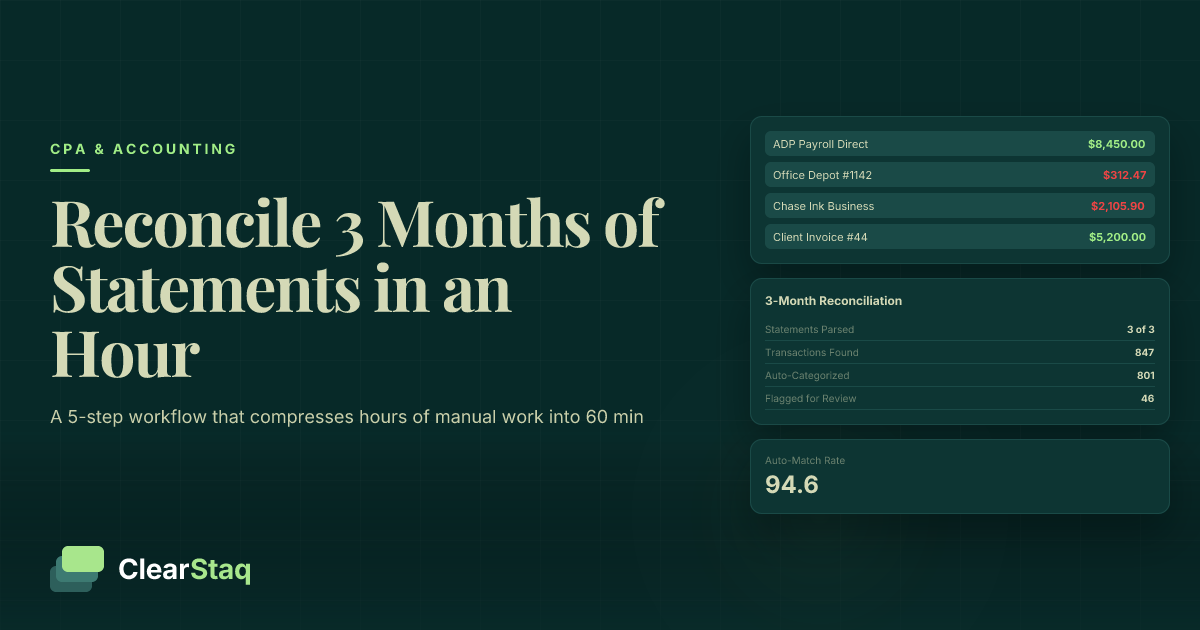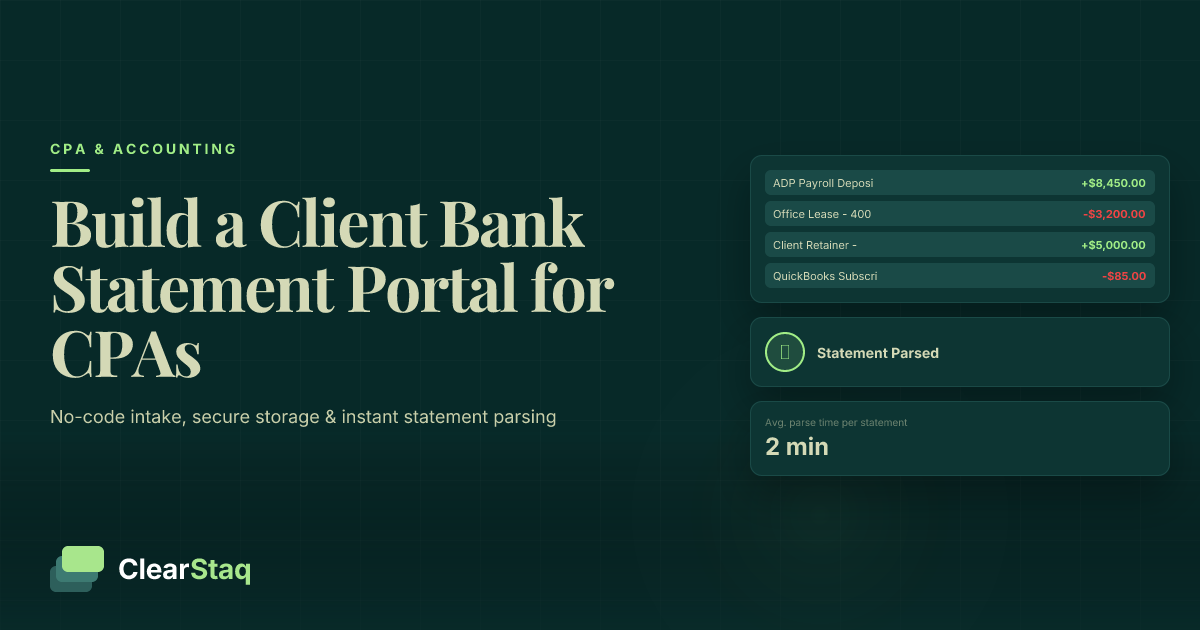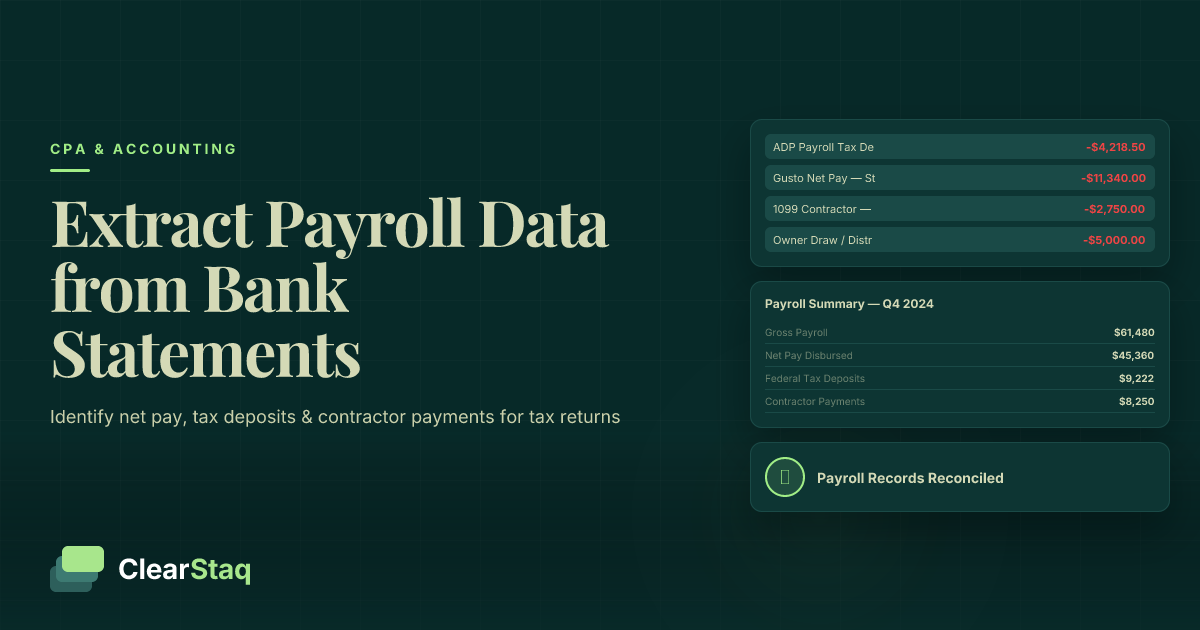
Bank statement analysis software for tax preparers extracts, categorizes, and reconciles transactions from client bank statements so CPAs and enrolled agents can verify reported income, catch unreported deposits, and close returns without manually scrolling through PDFs. Tax preparers need this more than most bookkeepers because a missed deposit isn't just a bookkeeping error — it's a Schedule C understatement with IRS exposure attached to your signature.
- Bank statement analysis software for tax preparers cuts manual statement review from hours to under 5 seconds per file with ClearStaq.
- Manual spreadsheet reconciliation still works for solo preparers handling fewer than 20 self-employed clients per season.
- ClearStaq flags 27+ fraud and inconsistency signals that generic OCR tools and bank feeds miss entirely.
- Verdict: preparers handling self-employed, 1099, or cash-heavy clients need automated parsing, not manual line-by-line review, for tax season 2026.
Why bank statement analysis software matters for tax preparers
Tax season compresses a year's worth of client work into 10-12 weeks, and self-employed clients are the slowest files in the stack. A Schedule C client with three business accounts and a side hustle means a preparer is manually cross-referencing dozens of pages of statements against reported gross receipts — by hand, during the busiest weeks of the year.
The stakes go beyond speed. If a client under-reports income and a preparer signs the return without catching the discrepancy, the preparer shares exposure in an audit. ClearStaq built its parsing engine around this exact problem: pull every deposit, categorize it, and surface the gaps before the return goes out the door, not after the IRS notice arrives.
Update your intake process before statements pile up
Most preparer workflows still start with a client emailing PDFs the week before the deadline. Fix the intake bottleneck first, because no software fixes a stack of 40 statements that arrived on April 10th.
- Set a hard statement submission deadline at least 3 weeks before filing
- Require 12 months of statements for every self-employed or 1099 client, not just the months they remember to send
- Standardize file naming (client name, account, month) before anything gets uploaded
- Reject partial statement sets and flag missing months immediately
- Build a checklist that pairs each bank account with its corresponding Schedule C or Schedule E
Categorize transactions instead of eyeballing them line by line
Manually tagging every deposit and withdrawal as business, personal, or transfer is the single biggest time sink in self-employed return prep. A preparer working through this by hand on a 12-month statement can burn 2-3 hours per client just sorting transactions before analysis even starts.
This is where automated parsing earns its place in the workflow. ClearStaq processes a statement in under 5 seconds and auto-categorizes deposits, transfers, and expenses across 900+ supported statement formats, so the preparer reviews flagged items instead of building categories from scratch.
- Auto-tag recurring deposits (payroll, marketplace payouts, retainer clients) as business income
- Flag one-off large deposits for manual review instead of auto-classifying them
- Separate personal transfers from business revenue automatically across commingled accounts
- Export categorized totals directly into tax prep software instead of retyping numbers
- Keep a categorization audit trail tied to each transaction for later reference
Reconcile reported income against actual deposits
Once transactions are categorized, the real work starts: does the client's reported gross receipts figure match what actually hit the bank? A mismatch of even 8-10% between reported income and total business deposits is worth a conversation before the return is filed, not after.
- Sum categorized business deposits across all accounts for the tax year
- Compare the total against the client's reported gross receipts or 1099 totals
- Flag any gap above a set threshold for client follow-up
- Check for deposits from platforms (Stripe, Square, marketplace payouts) that clients often forget to report
- Document the reconciliation with a timestamped summary for the client file
Flag inconsistent or doctored bank statements before you sign
Altered statements are more common in preparer practices than most CPAs assume, particularly with clients trying to inflate deductions or hide income from a divorce or bankruptcy filing. Font inconsistencies, misaligned running balances, and metadata mismatches are the usual tells, and they're easy to miss on a quick visual scan.
Software built for detecting fake bank statements checks running balance math, font consistency, and metadata against the issuing bank's known templates — the same checks lenders run before funding a loan.
- Verify running balances actually add up transaction by transaction
- Check font and formatting consistency against the bank's known statement template
- Cross-reference PDF metadata for edit timestamps that don't match the statement date
- Compare statement totals against any third-party data the client has provided (1099s, merchant processor reports)
- Flag statements missing standard elements like account numbers or bank routing details
Verify self-employed and 1099 income across multiple accounts
Self-employed clients rarely run one clean business account. They mix personal and business funds, run side income through a second account, and sometimes receive 1099 payments into three different platforms. Manually tracing income across accounts is where most preparer errors happen.
Self-employed income verification built for this exact scenario aggregates deposits across every linked account into one income picture instead of forcing a preparer to reconcile each account separately.
- Pull statements from every account the client uses for business, not just the primary one
- Aggregate 1099 and marketplace payout deposits across accounts into a single income total
- Flag accounts with irregular deposit patterns that suggest unreported side income
- Cross-check aggregated totals against 1099-NEC and 1099-K forms received
- Note seasonal or irregular income patterns for accurate quarterly estimate calculations
Track quarterly deposit patterns for estimated tax accuracy
Clients with lumpy income get their quarterly estimates wrong constantly, either overpaying in slow months or underpaying ahead of a big payout. Twelve months of categorized deposit data shows the actual pattern instead of a flat annual average.
- Break down business deposits by month to identify seasonal peaks
- Calculate a rolling average instead of a flat annual estimate for irregular-income clients
- Flag months with deposit spikes that suggest a large one-time payment
- Recommend adjusted quarterly estimates based on actual year-to-date deposit trends
- Share a simplified deposit summary with the client so they understand the estimate logic
Document your review trail for potential IRS audit support
If a client's return gets pulled for audit, the preparer's documentation trail matters as much as the return itself. A parsed, categorized, timestamped statement review is defensible in a way that a verbal "I checked it" never is.
- Save categorized transaction exports alongside the filed return in the client file
- Keep a written reconciliation summary showing reported income versus deposit totals
- Retain flagged-item notes explaining why a discrepancy was or wasn't adjusted
- Timestamp every review step so the documentation trail matches the filing date
- Store the underlying statements for the IRS's standard 3-year lookback minimum
Comparing your options for bank statement review
| Option | Best for | Key strength | Key limitation |
|---|---|---|---|
| Manual spreadsheet review | Solo preparers with under 20 self-employed clients | No software cost, full manual control | 2-3 hours per client, error-prone at scale |
| Generic OCR/PDF tools | Preparers digitizing statements for storage | Converts PDF to text or CSV | No categorization, no fraud detection, no reconciliation logic |
| Accounting software bank feeds (QuickBooks, Xero) | Clients already reconciling books year-round | Live transaction sync for bookkeeping clients | Built for bookkeeping, not statement authenticity or fraud checks |
| ClearStaq | Firms handling self-employed, 1099, and cash-heavy clients at volume | 99.5% parsing accuracy, 27+ fraud signals, sub-5-second processing | Overkill for a firm with only a handful of W-2 clients |
Verdict: firms filing more than a handful of self-employed or 1099 returns each season need automated parsing — ClearStaq is built for that volume, manual review is fine below it.
See ClearStaq on a real statement
Check how parsing and fraud flags apply to a client file before tax season peaks.
Common mistakes tax preparers make
- Accepting statements without checking for gaps. A client who sends 10 of 12 months and the preparer files anyway is a preparer who missed two months of income.
- Treating every large deposit as a loan or gift without verification. Clients label undeclared income as "loan from family" more often than any preparer wants to admit.
- Skipping cross-account reconciliation for clients with multiple business accounts. Income hiding in a secondary account is the most common gap in self-employed filings.
- Filing before reconciling reported gross receipts against actual deposits. A 15% gap between the two numbers should stop a filing, not get rounded away.
- Storing statement review notes nowhere. No documentation trail means no defense if the return gets pulled for audit two years later.
FAQ
What is bank statement analysis software for tax preparers?
It's software that extracts, categorizes, and reconciles transactions from client bank statements to verify reported income against actual deposits. ClearStaq processes statements in under 5 seconds and applies 27+ fraud detection signals during the review.
Do I need bank statement software if I only have a few self-employed clients?
Not necessarily. Manual spreadsheet reconciliation works fine for preparers with fewer than 20 self-employed or 1099 clients per season; the case for automated parsing gets stronger as client volume and account complexity grow.
How does bank statement software catch unreported income?
It aggregates categorized deposits across every linked account and compares the total against reported gross receipts or 1099 totals. A gap above your set threshold gets flagged for follow-up before the return is filed.
Can bank statement software detect a doctored or fake statement?
Yes, when it checks running balance math, font consistency, and PDF metadata against known bank templates. ClearStaq applies these checks alongside its 27+ fraud signals rather than relying on a visual scan.
Is QuickBooks bank feed enough for verifying client income during tax prep?
QuickBooks bank feeds sync live transactions for bookkeeping, but they don't check statement authenticity or run fraud detection. They're built for ongoing reconciliation, not for verifying whether a client's submitted statement is accurate or altered.
How many months of bank statements should a preparer collect from self-employed clients?
Twelve months minimum, covering the full tax year. Partial statement sets hide seasonal deposit patterns and make quarterly estimate calculations unreliable.
What formats does ClearStaq support for parsing bank statements?
ClearStaq supports 900+ statement formats across major and regional banks, parsing each one at 99.5% accuracy without manual template setup per client.
How long does it take to reconcile a self-employed client's income manually?
Manually categorizing and reconciling 12 months of statements across multiple accounts typically takes 2-3 hours per client. Automated parsing reduces the per-statement processing step to under 5 seconds, leaving the preparer to review flagged items only.
One last thing
The preparers who get burned in audits almost never miss income because they didn't check — they miss it because they checked one account and the client had two. Before signing any self-employed return in 2026, ask every client directly whether they used a second account, a payment app, or a side platform for any part of the year, and pull those statements too.
Related guides
ClearStaq Team
Content Team
The ClearStaq team builds AI-powered tools for bank statement parsing, fraud detection, and income verification.