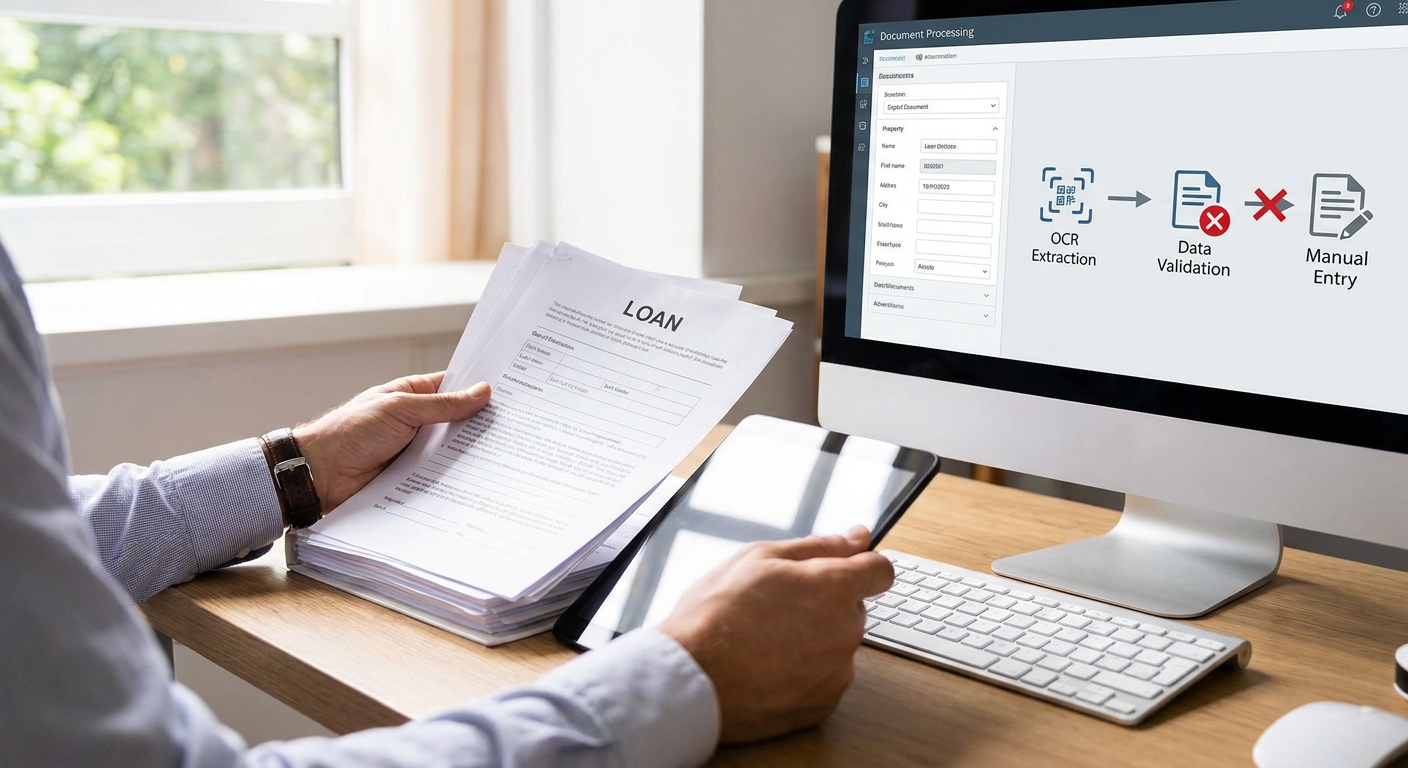
OCR errors in loan document processing don't stay small. A misread digit on a bank statement becomes a wrong income figure, and a wrong income figure becomes a bad credit decision. This guide walks through the exact steps to cut manual OCR errors out of your loan document workflow in 2026.
- Format-aware parsing beats generic OCR for reducing manual ocr errors in loan document processing on messy bank statements.
- ClearStaq processes documents in under 5 seconds with 99.5% accuracy across 900+ statement formats.
- Manual review still catches edge cases OCR misses — build a two-tier verification step, don't eliminate it.
- Structuring patterns, doctored pay stubs, and voided check fraud slip past raw OCR output without cross-field checks.
Why this matters
OCR mistakes in loan files aren't cosmetic. A parser that misreads a deposit amount by one decimal place, or drops a negative sign on a fee line, changes the debt service coverage ratio an underwriter relies on. In 2026, lenders processing hundreds of files a week can't afford a 3-5% error rate on line-item extraction — that's dozens of files per month with a wrong number baked into the credit memo.
The fix isn't more manual double-checking. It's building a document pipeline where OCR errors get caught by structure, not by a human squinting at a PDF for the third time. ClearStaq approaches this with format-aware parsing tuned to specific bank layouts rather than one generic OCR model applied to every document type.
What you'll need
- A sample set of 20-30 recent loan documents (bank statements, tax returns, pay stubs) that represent your actual applicant mix
- Access to your current OCR or parsing tool's accuracy logs, if it keeps any
- A defined list of the fields that matter for underwriting: deposits, NSF fees, ending balance, employer name, gross pay
- A reviewer who can spend 2-3 hours doing a manual field-by-field audit against the sample set
- A parsing tool built for financial documents, not general-purpose OCR — see the criteria in best OCR software for loan document processing
The steps
1. Audit your current error rate before changing anything
You can't fix what you haven't measured. Pull 20-30 recently processed documents and manually re-key the five or six fields that drive your underwriting decision — deposit totals, NSF count, ending balance, gross income.
Compare the manual numbers against what your current tool extracted. Count mismatches per document, not just per field, since one bad document with three wrong fields is a different risk than three documents with one wrong field each. Most lenders skip this step and end up guessing at the size of the problem, which means they either over-invest in fixing something minor or under-invest in a real gap.
Common mistake: auditing only clean, high-resolution statements. Include at least a few scanned or photographed documents — that's where error rates spike.
2. Separate format-detection errors from character-recognition errors
Most OCR failures in loan documents fall into two buckets: the tool misreads a character (a 3 read as an 8), or it misidentifies where a field lives on the page because the statement layout doesn't match its template. Chase, Bank of America, and Wells Fargo statements each lay out transaction tables differently, and a parser trained on one format will misplace column data on another.
Tag each error from your audit as one or the other. Character-recognition errors usually mean the OCR engine itself needs a confidence-threshold adjustment. Format-detection errors mean you need a parser that recognizes bank-specific layouts rather than applying one universal template.
This distinction changes what you fix next — throwing better OCR at a format-detection problem wastes time.
3. Add cross-field validation rules
A single misread number is invisible until it contradicts another number on the same statement. Build validation rules that check internal consistency: does the sum of daily balances match the stated ending balance, does the deposit count match the transaction list, does the average monthly balance line up with the raw transaction data.
Set the rule to flag — not auto-reject — any document where cross-field math is off by more than roughly 1-2%. That threshold catches genuine OCR misreads without flooding your reviewers with rounding noise.
Common mistake: setting the tolerance at zero. Bank statements round differently depending on the institution, and a zero-tolerance rule generates false flags on every third document.
4. Route low-confidence extractions to manual review automatically
Every parsing engine assigns some form of confidence score to each extracted field, even if it's not exposed by default. Set a threshold — commonly 90-95% — below which a field gets flagged for human review instead of accepted as-is.
This is the single highest-leverage step for reducing manual OCR errors in loan document processing, because it stops low-quality extractions from silently entering the underwriting file. Reviewers stop re-checking every document and start checking only the ones that actually need it, which is what turns a manual QC process into a targeted one.
5. Standardize on a parser trained for financial-document layouts
Generic OCR tools read text; they don't understand that Available Balance and Ledger Balance are different fields that shouldn't be swapped. A parser purpose-built for financial documents, like ocr data extraction software for loan origination systems, maps fields against known statement structures across hundreds of bank and processor formats.
ClearStaq's parsing engine covers 900+ statement formats and processes a document in under 5 seconds at 99.5% accuracy. That accuracy figure matters more than raw speed — a fast parser that's wrong 10% of the time still forces manual re-verification on every file, which erases the time savings.
6. Layer fraud signal checks on top of clean extraction
Clean OCR output solves the wrong-number problem. It doesn't solve the correct-looking-but-fabricated problem — a doctored pay stub or an altered bank statement can parse perfectly and still be fake. Once extraction accuracy is solid, add fraud detection signals on top: check for font inconsistencies, metadata mismatches, and transaction pattern anomalies like structuring or income smoothing.
ClearStaq runs 27+ fraud signals on top of parsed data specifically to catch documents that pass a clean OCR read but fail a fraud check. Skipping this step means a perfectly parsed, perfectly fraudulent document sails through underwriting.
7. Re-audit quarterly, not once
Bank statement formats change when institutions update their online banking platforms, and new formats appear when you onboard applicants from banks you haven't seen before. Run the same manual audit from Step 1 every quarter through 2026 to catch drift before it shows up as underwriting errors.
Cut OCR errors out of your pipeline
See how ClearStaq parses 900+ statement formats at 99.5% accuracy.
Troubleshooting
Problem: numbers extract correctly but land in the wrong field. This is a format-detection issue, not a character-recognition issue. Check whether your parser has a template for that specific bank — generic OCR tools often default to a best-guess column layout that breaks on non-standard statement formats.
Problem: scanned or photographed documents fail extraction entirely. Low-resolution scans and phone photos need pre-processing (deskew, contrast normalization) before OCR runs. If your current tool doesn't do this automatically, that's a gap worth fixing before blaming the OCR model itself.
Problem: multi-page statements lose data between pages. Some parsers process each page independently and fail to carry running totals across page breaks. Confirm your tool stitches multi-page statements into one continuous record before extraction.
Problem: reviewers still manually re-check every document despite confidence scoring. The threshold is probably set too conservatively, or reviewers don't trust the score yet. Start with a 90% threshold and tighten or loosen it based on a month of outcome data, not gut feel.
Problem: error rate looks fine in testing but spikes in production. Your test set likely skewed toward clean, common bank formats. Production files include more scanned, cropped, and unusual-format documents — expand your audit sample to match real applicant mix.
Tools and resources
- A financial-document-specific parser rather than general OCR — see best OCR software for loan document processing for a comparison of options
- Cross-field validation logic built into your loan origination workflow
- Fraud signal detection layered on top of extraction, not run as a separate afterthought
- A quarterly re-audit process, tracked with the same field list every time
What to do next
Once extraction accuracy is under control, the next bottleneck is usually reviewer time on the documents that do get flagged. If your team is still spending hours per file on manual verification, how to reduce manual underwriting review time covers how to compress that further without cutting corners on accuracy.
FAQ
What causes most OCR errors in loan document processing?
Most OCR errors in loan document processing come from format mismatches, not bad character recognition — a parser applies the wrong template to a bank statement layout it doesn't recognize. Scanned or low-resolution documents compound the problem.
How much does OCR error reduce underwriting accuracy?
A single misread field, like a deposit amount or NSF fee, can shift the debt service coverage ratio an underwriter relies on for approval. At scale, even a 3-5% field error rate translates into dozens of misjudged files per month for a lender processing hundreds of applications.
Is format-aware parsing better than generic OCR for bank statements?
Yes — format-aware parsing recognizes bank-specific layouts like Chase, Bank of America, and Wells Fargo statement structures instead of applying one universal template. This cuts the field-misplacement errors that generic OCR tools produce on non-standard layouts.
How much does OCR software for loan processing cost in 2026?
Pricing varies by vendor and volume, and most financial-document parsers price on a per-document or subscription basis rather than a flat fee. Check current pricing directly with vendors since tiers shift with document volume and feature set.
Can OCR alone catch fraudulent loan documents?
No — clean OCR extraction only confirms a document reads correctly, not that it's genuine. A doctored pay stub or altered bank statement can parse perfectly and still be fabricated, which is why fraud signal detection needs to run on top of extraction, not instead of it.
What confidence threshold should trigger manual review?
A 90-95% confidence threshold is a common starting point for routing low-confidence extractions to human review. Adjust it based on a month of production outcome data rather than setting it once and leaving it fixed.
How often should lenders re-audit their OCR accuracy?
Quarterly re-audits catch format drift as banks update their statement layouts and as new applicant banks appear in your pipeline. A one-time audit at rollout misses the drift that shows up six months later.
Does multi-page bank statement processing lose accuracy?
It can, if the parser processes pages independently instead of stitching them into one continuous record. Running totals and balance carryovers between pages are a common failure point worth testing specifically.
One last thing
The fastest way to know if your OCR problem is really a fraud problem in disguise is to check whether flagged documents cluster around specific applicants rather than specific banks. If errors are random across formats, it's an extraction issue — if they cluster on individual files, run a fraud check before you touch the OCR settings at all.
Related guides
ClearStaq Team
Content Team
The ClearStaq team builds AI-powered tools for bank statement parsing, fraud detection, and income verification.