Bank statement conversion software for accounting firms is a category of tools that turns PDF or scanned bank statements into structured, categorized transaction data for workpapers, reconciliations, and client reviews. Accounting firms have a narrower and stricter need than lenders: the output has to match GAAP categorization, tie to a general ledger, and survive an audit trail — not just spit out a CSV.
CPA firms handling client bank data at volume in 2026 are past the point where manual re-keying makes sense. A firm running 40 client engagements a month loses real billable hours to copy-pasting transactions out of PDFs.
- Bank statement conversion software for accounting firms should output GL-ready, categorized data, not just raw OCR text.
- ClearStaq processes statements in under 5 seconds with 99.5% accuracy across 900+ bank formats.
- Generic OCR tools break on scanned or rotated statements — test on your messiest client file first, not your cleanest one.
- Automated review replaces 4-8 hours of manual prep per quarterly business review engagement.
- Firms that skip fraud/anomaly flags at intake catch NSF and structuring patterns too late in the review cycle.
Why bank statement conversion matters for accounting firms
Accounting firms don't parse statements for underwriting decisions — they parse them for quarterly business reviews, cash flow analysis, forensic engagements, and loan-file support work for clients applying for financing. The categorization has to be consistent across 12 months and multiple accounts before a partner will sign off on the numbers.
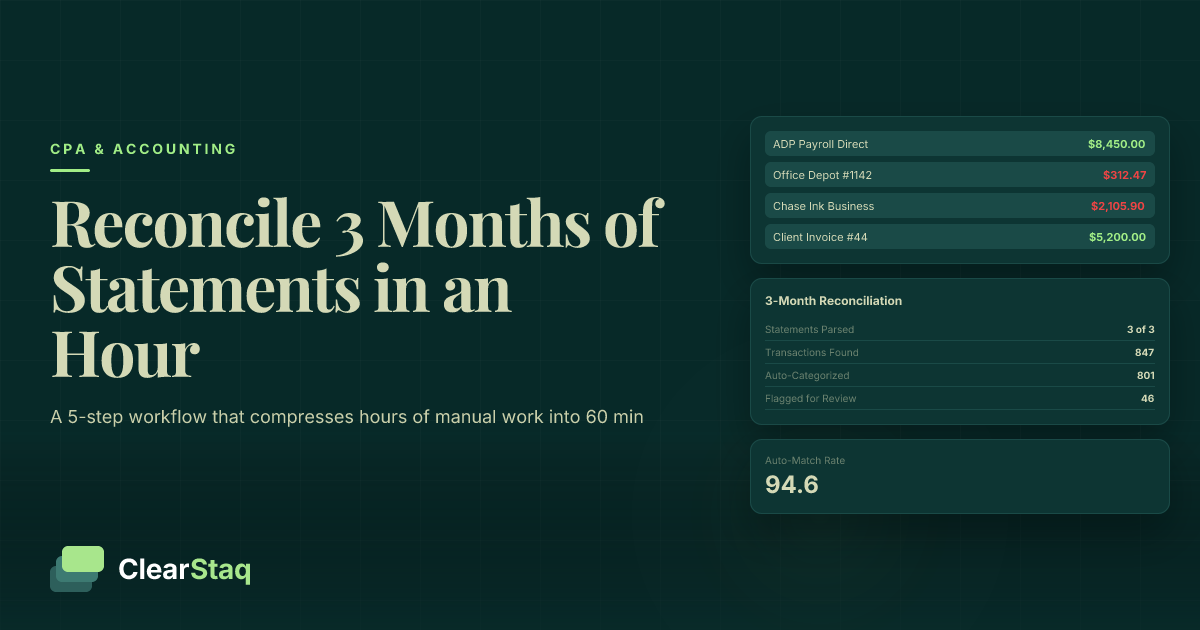
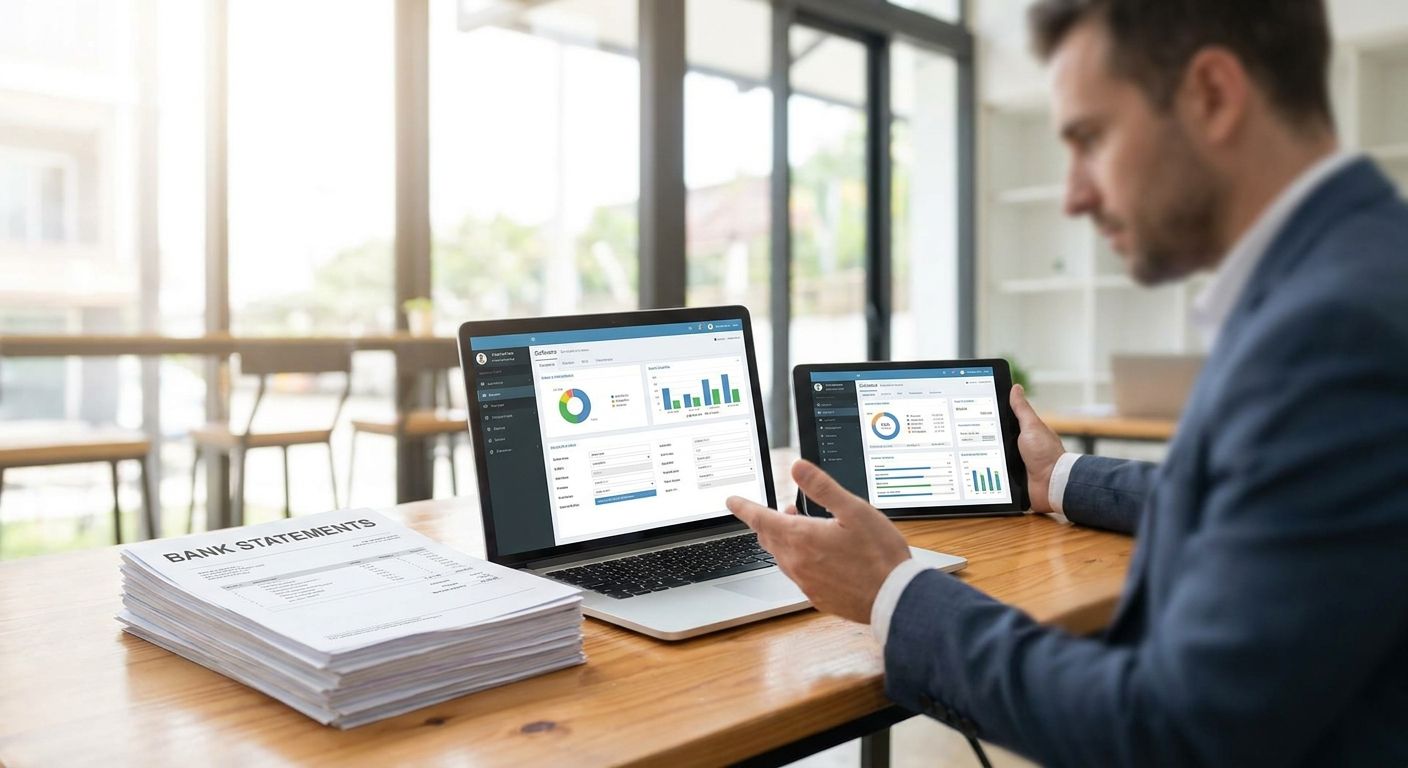
The manual version of this work is well documented: preparing a quarterly business review by hand from bank statements runs 4 to 8 hours per client when done by re-keying transactions into a spreadsheet. Multiply that across a client roster and it's the single biggest hidden cost in advisory work billed at fixed fees.
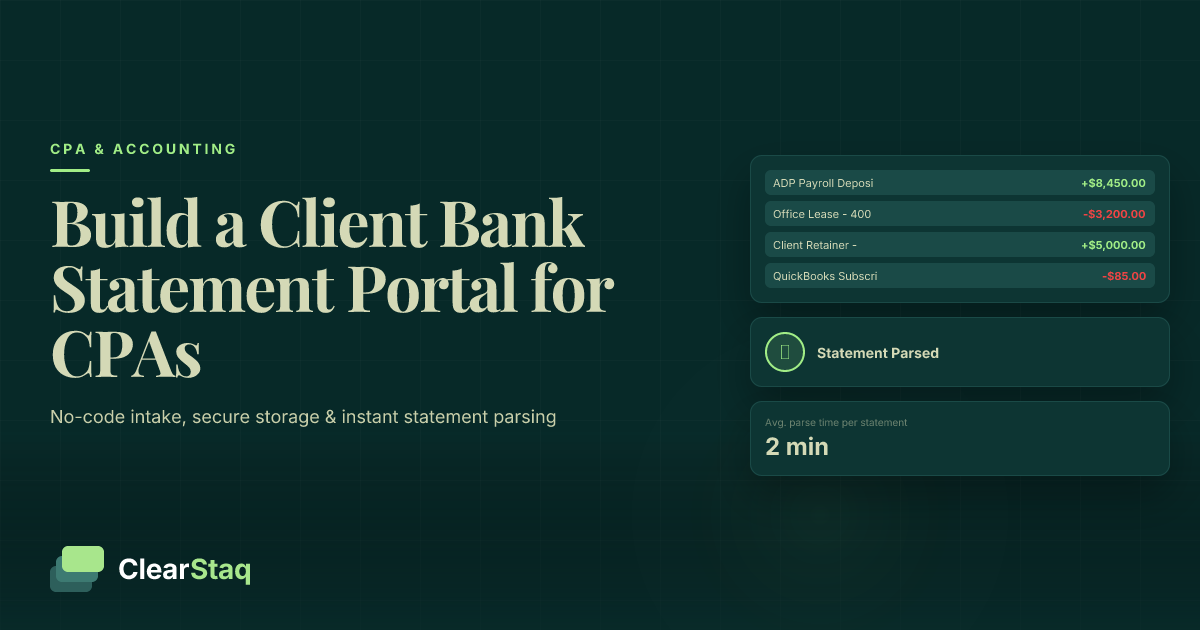
At ClearStaq, that manual prep gets replaced by parsing that runs in under 5 seconds per statement and holds 99.5% accuracy across 900+ bank statement formats — Chase, Bank of America, Wells Fargo, and the regional and credit union formats that break generic OCR.
Update your intake process first
Before any software gets involved, fix how statements arrive from clients.
- Require PDF exports directly from online banking, not phone photos of paper statements
- Standardize the file-naming convention (client name, account, month) before upload
- Set a cutoff date each month so parsing runs in a batch, not one-off
- Flag password-protected PDFs for a separate unlock step
- Confirm you're getting full statements, not summary pages, from every client
Standardize your categorization rules
Generic OCR gives you rows of text. It doesn't know that a $4,200 deposit is client revenue versus a loan draw versus an owner contribution.
- Build a chart-of-accounts mapping for recurring transaction descriptions per client
- Separate operating deposits from transfers between the client's own accounts
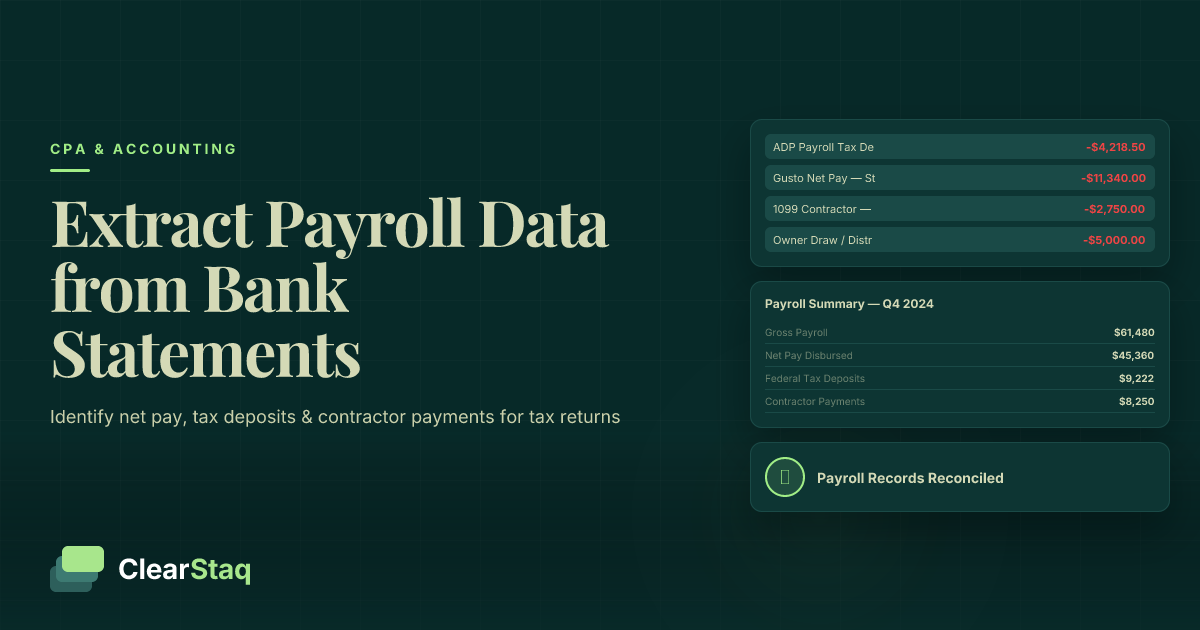
- Tag recurring debits (payroll, rent, loan payments) so they auto-categorize month over month
- Set a rule for uncategorized transactions to route to a review queue instead of a guess
- Revisit the mapping quarterly as clients add new vendors or accounts
Test parsing accuracy on your worst client file
Don't pilot new software on your cleanest client. Pilot it on the one with a scanned, slightly rotated, low-resolution statement from a small community bank.
- Run the same statement through your current process and the new tool side by side
- Check line-item transaction counts match exactly, not just totals
- Confirm multi-page statements don't drop transactions at page breaks
- Test a statement with handwritten notes or stamps in the margin
- Verify beginning and ending balances reconcile without manual adjustment
A full breakdown of what to look for in OCR software built for financial documents covers the accuracy gaps most firms miss during a trial.
Automate the fraud and anomaly checks
Once parsing is reliable, add the checks a partner would normally do by eye at the end of a review — before the client sees the numbers, not after.
- Flag NSF fees and overdraft patterns automatically instead of scanning line by line
- Surface duplicate deposits or round-number transactions that don't match invoiced revenue
- Detect commingled personal and business funds in sole-proprietor accounts
- Highlight month-over-month revenue swings above a set threshold for review
- Build in a check for altered PDF metadata on client-submitted statements
ClearStaq runs 27+ fraud signals on every statement at parse time, which catches commingling and altered-document patterns that a manual review at month-end usually misses. For firms building this into a standing workflow, automating the bank statement review step for underwriting-style checks applies the same logic accounting teams use for client due diligence.
Build the output into your deliverable, not a side file
Parsed data that sits in a separate export nobody opens doesn't save time. It has to land inside the workpaper or the QBR template directly.
- Map parsed categories directly to your existing workpaper tabs
- Auto-populate the 12-month revenue trend chart instead of rebuilding it each quarter
- Push reconciled totals into your practice management tool via API where possible
- Keep a PDF audit trail attached to each parsed statement for review sign-off
- Set a template so every associate produces the same output format
Measure hours saved per engagement
Track this before and after, or the automation pays for itself on paper but nobody notices in billing.
- Log prep hours per client for one full quarter before switching tools
- Log the same metric for the first quarter after switching
- Compare exception-handling time (transactions flagged for manual review) against total transaction volume
- Report the delta to partners in hours reclaimed, not vague efficiency language
- Reassess pricing on fixed-fee advisory engagements once true hours drop
See ClearStaq parse a real statement
Under 5 seconds per file, 99.5% accuracy across 900+ formats.
Train staff on exceptions only
Once categorization rules are set, the only manual work left should be the transactions the software flags as uncertain.
- Write a one-page exception-handling guide for associates, not a full retraining
- Cap manual review time per statement at a fixed number of minutes
- Route recurring exceptions back into the categorization rule set instead of re-solving them monthly
- Assign one senior reviewer to sign off on flagged fraud signals before client delivery
Comparing your options
| Option | Best for | Key limitation |
|---|---|---|
| Manual re-keying into Excel | Firms with under 5 client statements a month | Doesn't scale past a handful of clients; error-prone at volume |
| Generic OCR (Adobe, ABBYY-type tools) | Firms needing basic text extraction only | No fraud detection, breaks on scanned or rotated statements |
| Spreadsheet templates with formulas | Firms with highly standardized single-bank clients | Falls apart the moment a client switches banks or formats |
| ClearStaq | Firms parsing multi-bank, multi-format client statements at volume | Built for lending and finance workflows — accounting-specific reporting templates require setup |
Bank statement conversion software for accounting firms only pays off when the output plugs directly into the deliverable your partners already sign off on — a parsed file nobody opens is just a slower version of the manual process.
Common mistakes accounting firms make
- Piloting new software on the easiest client statement. The messy scanned PDF from a small regional bank is the real test, not the clean Chase statement.
- Skipping fraud flags because "it's just bookkeeping." Commingled funds and altered documents show up in advisory work too, not just loan files.
- Treating all 900+ bank formats as interchangeable. A parser tuned for major banks can still choke on a local credit union's PDF layout.
- Not tracking hours before and after automation. Without a baseline, firms can't prove the switch actually reduced the 4-8 hours per QBR that manual prep usually takes.
- Letting exception queues pile up unreviewed. A flagged transaction that sits for two weeks defeats the point of automating the flag in the first place.
“A parsed file nobody opens is just a slower version of the manual process.”
FAQ
What is bank statement conversion software for accounting firms?
It's software that turns PDF or scanned bank statements into structured, categorized transaction data ready for workpapers and client reviews. The best versions in 2026 map directly into existing accounting templates instead of producing a standalone export.
How accurate is bank statement parsing software in 2026?
ClearStaq holds 99.5% accuracy across 900+ bank statement formats, processing each file in under 5 seconds. Accuracy on generic OCR tools varies more with scanned or low-resolution statements.
Can bank statement conversion software detect fraud in client statements?
Yes, dedicated tools run dozens of fraud signals at parse time. ClearStaq checks 27+ signals including commingled funds, altered PDFs, and NSF patterns on every statement.
How much time does automated bank statement parsing save a CPA firm?
Automating a quarterly business review typically replaces 4 to 8 hours of manual prep per client engagement. The exact savings depend on statement volume and how many exceptions still require manual review.
Is generic OCR software good enough for accounting firm bank statement work?
Generic OCR extracts text but doesn't categorize transactions, reconcile balances, or flag fraud signals. Firms using generic OCR still need a separate categorization and review step.
What formats does bank statement parsing software need to support?
It needs to handle statements from major banks (Chase, Bank of America, Wells Fargo) and regional or credit union formats. ClearStaq supports 900+ formats, which matters once a firm's client roster spans more than a few banks.
Does bank statement conversion software replace a CPA's review?
No, it replaces the manual data entry and flags anomalies for review, but a reviewer still signs off on flagged exceptions. The goal is cutting hours spent on data entry, not removing professional judgment.
One last thing
The firms getting the most out of bank statement conversion software in 2026 aren't the ones with the biggest client rosters — they're the ones that built categorization rules once and stopped re-solving the same mapping problem every quarter. That one-time setup cost is what separates a tool that saves 4-8 hours per engagement from one that just moves the manual work to a different screen.
Related guides
ClearStaq Team
Content Team
The ClearStaq team builds AI-powered tools for bank statement parsing, fraud detection, and income verification.