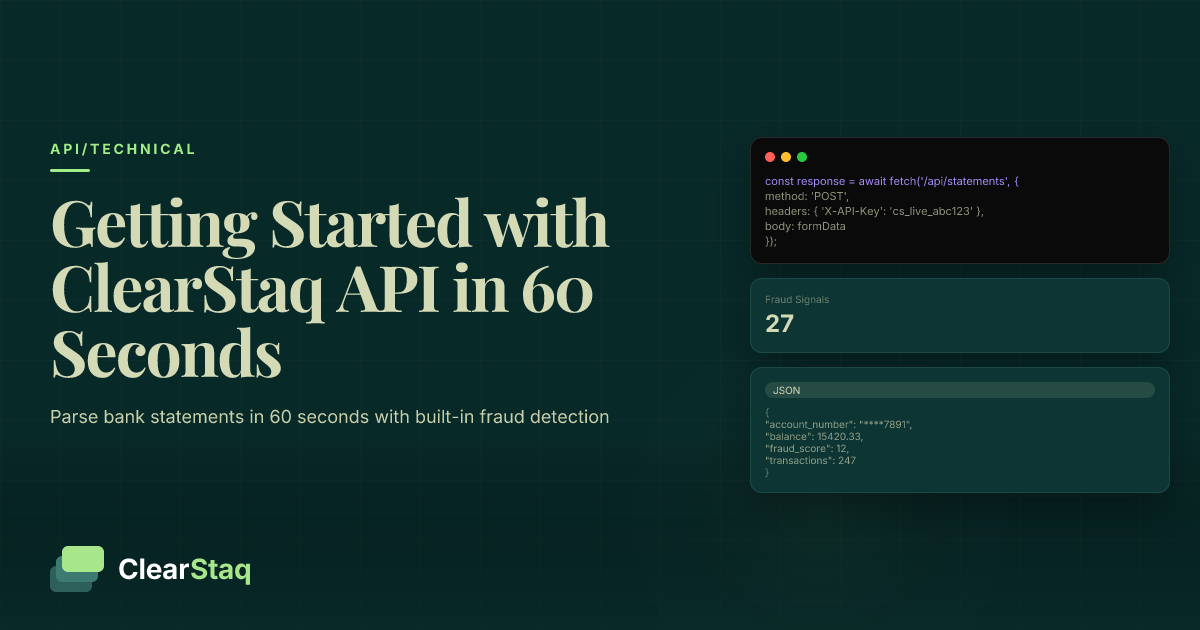
The ClearStaq API parses bank statements in 60 seconds using simple REST endpoints. Authenticate with an API key, upload a PDF/image via POST request, check processing status, then retrieve structured data with built-in fraud detection across 27 signals for instant document verification.
What you'll learn
- ClearStaq's API uses document-first parsing, requiring no bank credentials or OAuth flows
- Every API response includes fraud analysis across 27 signals with real-time risk scoring
- Processing typically completes in 30-60 seconds with structured JSON responses
- The API supports PDF and image formats with automatic multi-page document detection
- Free trial includes 100 document parses with sandbox API keys for thorough testing
The ClearStaq API parses bank statements in 60 seconds using simple REST endpoints. Authenticate with an API key, upload a PDF/image via POST request, check processing status, then retrieve structured data with built-in fraud detection across 27 signals for instant document verification.
What Makes ClearStaq's API Different
While most financial APIs focus on account aggregation that requires bank credentials and OAuth flows, ClearStaq takes a fundamentally different approach. You upload documents directly and get instant results with built-in fraud detection — no bank logins needed.
Document Parsing vs Account Aggregation
Traditional financial APIs like Plaid or Yodlee require users to authenticate with their bank credentials. This creates friction, security concerns, and doesn't work for historical statements. ClearStaq's document-first approach means you simply upload files directly.
The benefits are immediate: process historical statements from any time period, no sensitive credential handling, and instant results without waiting for bank connections. This is true bank statement parsing — extracting data from documents rather than pulling from bank APIs.
Built-in Fraud Detection
Every API response includes comprehensive fraud analysis across 27 signals. You don't need separate fraud detection services or additional API calls. The system analyzes PDF metadata, font consistency, transaction patterns, and mathematical accuracy automatically.
Real-time risk scoring comes standard with each parsed document. Your application gets structured transaction data plus a complete fraud assessment in a single response — something no other parsing API offers. For a deeper comparison of API providers, see how ClearStaq vs Ocrolus stack up on features and fraud detection.
Prerequisites: What You'll Need
Getting started with ClearStaq's API takes just a few minutes. You'll need a ClearStaq account (free trial available), a programming environment, and a sample bank statement to test with.
Account Setup
Creating a ClearStaq account is straightforward — no credit card required for testing. Once registered, you'll access the developer dashboard to generate API keys and view documentation. The free trial includes 100 document parses to thoroughly test integration before committing.
Sandbox and production environments are separate, so you can test without affecting live data. Each environment has its own API keys and endpoints, making development and deployment workflows clean and predictable.
Supported File Formats
ClearStaq accepts bank statements in multiple formats to match your workflow. PDF files work whether they're native digital PDFs or scanned documents. Image formats including PNG, JPEG, and TIFF are fully supported with automatic OCR processing.
Multi-page documents process seamlessly — the API automatically detects and parses all pages. File size limits are generous at 50MB per document, easily accommodating year-end statements or consolidated reports.
Step 1: Get Your API Key
Your API key is the authentication credential for all ClearStaq API requests. Navigate to the API section in your dashboard and click "Generate New Key" to create your first key.
API Key Management
ClearStaq supports multiple API keys per account, letting you separate keys by application or environment. Each key can have specific permissions — read-only for reporting dashboards or full access for processing applications.
Best practice: rotate keys quarterly and never commit them to version control. Use environment variables or secure key management services in production. Keys can be revoked instantly if compromised, without affecting other keys on your account.
Authentication Headers
ClearStaq uses standard Bearer token authentication. Include your API key in the Authorization header of every request:
Authorization: Bearer YOUR_API_KEY
Content-Type: multipart/form-data (for uploads)
Content-Type: application/json (for other requests)
This simple authentication model avoids the complexity of OAuth flows while maintaining security. No refresh tokens, no expiration handling — just include your key and start making requests.
Step 2: Upload Your First Bank Statement
Document upload happens via a POST request to the `/documents` endpoint. The API accepts multipart form data with the file attached, returning a document ID for tracking the parsing process.
cURL Example
Here's a complete working example you can copy and run immediately:
curl -X POST https://api.clearstaq.com/v1/documents \
-H "Authorization: Bearer YOUR_API_KEY" \
-F "file=@/path/to/statement.pdf" \
-F "fraud_check=true"
The response includes the document ID you'll use to check status and retrieve results:
{
"document_id": "doc_1234567890",
"status": "processing",
"created_at": "2024-01-15T10:30:00Z"
}
JavaScript/Node.js Example
For JavaScript applications, use the Fetch API with FormData:
const formData = new FormData();
formData.append('file', fileInput.files[0]);
formData.append('fraud_check', 'true');
const response = await fetch('https://api.clearstaq.com/v1/documents', {
method: 'POST',
headers: {
'Authorization': 'Bearer YOUR_API_KEY'
},
body: formData
});
const data = await response.json();
console.log('Document ID:', data.document_id);
Python Example
Python developers can use the requests library for clean, readable code:
import requests
files = {'file': open('statement.pdf', 'rb')}
data = {'fraud_check': 'true'}
headers = {'Authorization': 'Bearer YOUR_API_KEY'}
response = requests.post(
'https://api.clearstaq.com/v1/documents',
files=files,
data=data,
headers=headers
)
document_id = response.json()['document_id']
print(f'Document ID: {document_id}')
{
  "status": "success",
  "fraud_score": 57,
  "transactions": 47,
  "bank": "Chase",
  "processing_time_ms": 238
}Step 3: Check Processing Status
After uploading, the document enters ClearStaq's processing pipeline. Check the status using a GET request to `/documents/{document_id}/status`. Most documents complete within 30-60 seconds.
Status Polling Loop
Processing states progress from `queued` to `processing` to `completed`. Poll every 5 seconds to check status without overwhelming the API:
async function waitForCompletion(documentId) {
let status = 'processing';
while (status === 'processing' || status === 'queued') {
await new Promise(resolve => setTimeout(resolve, 5000));
const response = await fetch(
`https://api.clearstaq.com/v1/documents/${documentId}/status`,
{ headers: { 'Authorization': 'Bearer YOUR_API_KEY' } }
);
const data = await response.json();
status = data.status;
}
return status;
}
Webhook Alternative
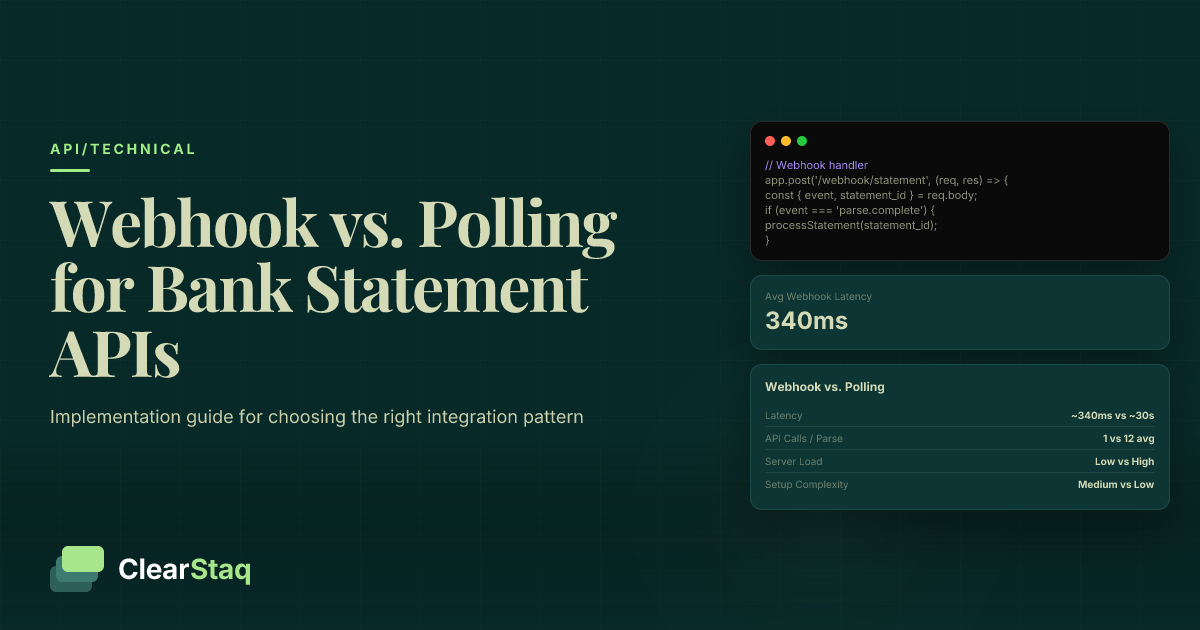
For production applications, webhooks eliminate polling overhead. Register a webhook endpoint in your dashboard, and ClearStaq will POST to your URL when processing completes:
{
"event": "document.completed",
"document_id": "doc_1234567890",
"status": "completed",
"timestamp": "2024-01-15T10:31:00Z"
}
Upload
0.1sDrop any bank statement format
Parse
1.2sOCR + AI extraction
Detect
0.8sFraud & stacking analysis
Verify
0.3sIncome verification
Deliver
0.1sStructured JSON response
Step 4: Retrieve Parsed Data
Once processing completes, retrieve the full parsed data with a GET request to `/documents/{document_id}`. The response includes structured transactions, account information, and comprehensive fraud analysis.
Transaction Data Structure
Each transaction includes standardized fields for easy integration:
| Field | Type | Description |
|---|---|---|
| date | string (ISO 8601) | Transaction date |
| description | string | Original transaction description |
| amount | number | Transaction amount (negative for debits) |
| balance | number | Running balance after transaction |
| category | string | Auto-categorized type |
| merchant | string | Cleaned merchant name |
Account Summary Information
Beyond individual transactions, the API provides account-level insights:
- Account holder details — Name, account number (masked), bank information
- Balance history — Opening, closing, average, and minimum balances
- Statement period — Start and end dates with transaction count
- Bank metadata — Institution name, routing number, account type
Fraud Detection Results
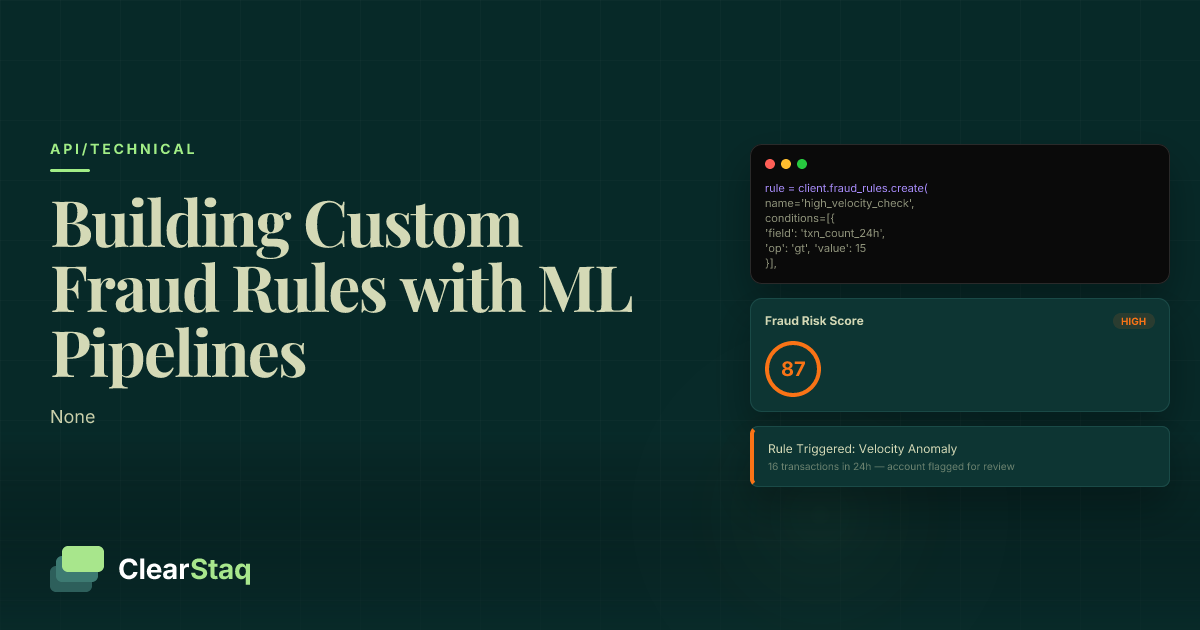
Every response includes fraud analysis across 27 fraud signals. The overall fraud score ranges from 0-100, with detailed breakdowns for each signal:
Individual signals cover document integrity (PDF metadata, font consistency), mathematical accuracy (balance calculations, transaction totals), and behavioral patterns (unusual deposits, round numbers). This built-in fraud detection eliminates the need for separate verification services.
See ClearStaq's API in Action
Ready to see the full API response structure? Explore our interactive API documentation with live examples and test your own bank statements.
Understanding the Response Format
ClearStaq returns comprehensive JSON responses designed for easy parsing and integration. Every field uses consistent data types and formats across all requests.
Success Response Schema
A successful parse returns nested objects organizing data logically:
{
"document_id": "doc_1234567890",
"status": "completed",
"account": {
"holder_name": "John Doe",
"account_number": "****1234",
"bank_name": "Chase Bank"
},
"statement_period": {
"start_date": "2024-01-01",
"end_date": "2024-01-31"
},
"transactions": [...],
"fraud_analysis": {
"overall_score": 15,
"risk_level": "low",
"signals": [...]
}
}
Dates use ISO 8601 format, amounts are decimal numbers (not strings), and all text fields are UTF-8 encoded. This consistency simplifies parsing across programming languages.
Error Response Handling
When errors occur, ClearStaq returns structured error responses with actionable information:
{
"error": {
"code": "invalid_file_format",
"message": "File type not supported. Please upload PDF, PNG, JPEG, or TIFF.",
"details": {
"received_type": "application/msword"
}
},
"request_id": "req_9876543210"
}
Error codes are stable across API versions, allowing robust error handling in your application. Include the request_id when contacting support for quick issue resolution.
Error Handling and Best Practices
Robust error handling ensures your integration remains stable even when issues arise. ClearStaq uses standard HTTP status codes with detailed error messages.
HTTP Status Codes
Common status codes and their meanings:
| Status Code | Meaning | Common Causes |
|---|---|---|
| 400 Bad Request | Invalid request format | Missing required fields, invalid file format |
| 401 Unauthorized | Authentication failed | Invalid API key, expired key |
| 404 Not Found | Resource not found | Invalid document ID |
| 429 Too Many Requests | Rate limit exceeded | Too many requests per minute |
| 500 Internal Server Error | Server error | Temporary issue, retry with backoff |
Production Considerations
Building for production requires additional considerations beyond basic functionality:
Error logging: Log all API responses, especially errors, with request IDs for debugging. Structure logs for easy searching and alerting on error patterns.
Monitoring and alerts: Set up alerts for increased error rates or slow response times. Monitor your API usage against rate limits to avoid surprises.
Performance optimization: Use webhook notifications instead of polling for better efficiency. Batch document uploads when processing multiple files to reduce API calls.
Next Steps and Advanced Features
Once you've successfully parsed your first bank statement, explore advanced features to enhance your integration. ClearStaq's API grows with your needs.
Webhook Integration
Webhooks provide real-time notifications when document processing completes. Configure webhook endpoints in your dashboard with your HTTPS URL. ClearStaq sends POST requests with processing results:
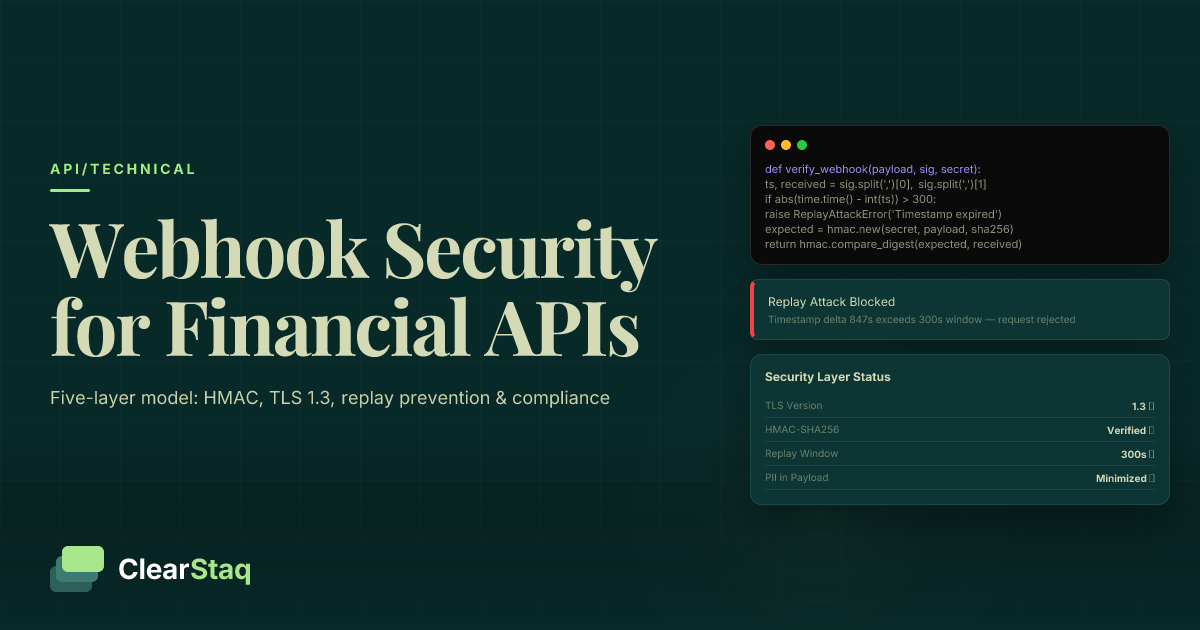
Security verification: All webhook payloads include an HMAC signature in the X-ClearStaq-Signature header. Verify this signature using your webhook secret to ensure requests originate from ClearStaq.
Advanced Fraud Configuration
While default fraud detection works well for most use cases, you can customize thresholds for your specific industry. Adjust sensitivity for individual signals or create custom rule sets.
Industry-specific rules: Configure stricter rules for high-risk industries or relax thresholds for established customers. The API accepts custom configuration in upload requests, overriding defaults for that specific document.
For teams evaluating build vs buy decisions, compare how ClearStaq's API stacks up against other bank statement extraction software options. Full API documentation includes additional endpoints for batch processing, custom categorization rules, and detailed analytics.
Frequently Asked Questions
How long does it take to parse a bank statement via API?
ClearStaq typically processes bank statements in 30-60 seconds. Processing time depends on document complexity and page count, but most single statements complete within 60 seconds.
What file formats does the ClearStaq API support?
The API accepts PDF files (native and scanned), plus image formats including PNG, JPEG, and TIFF. Multi-page documents are fully supported with automatic page detection.
Do I need bank credentials to use the parsing API?
No. ClearStaq uses document-based parsing, so you only need to upload bank statement files. No bank login credentials or account aggregation is required.
Is fraud detection included in the API response?
Yes. Every parsed document automatically includes fraud analysis across 27 signals, with an overall fraud score and detailed signal breakdown included in the JSON response.
Can I test the API without a production account?
Yes. ClearStaq offers free trial access with sandbox API keys for testing. No credit card is required to start testing with sample documents.
Start Building with ClearStaq Today
Start building with the ClearStaq API today. Get your free API key and parse your first bank statement in under 60 seconds.
Frequently Asked Questions
How long does it take to parse a bank statement via API?
ClearStaq typically processes bank statements in 30-60 seconds. Processing time depends on document complexity and page count, but most single statements complete within 60 seconds.
What file formats does the ClearStaq API support?
The API accepts PDF files (native and scanned), plus image formats including PNG, JPEG, and TIFF. Multi-page documents are fully supported with automatic page detection.
Do I need bank credentials to use the parsing API?
No. ClearStaq uses document-based parsing, so you only need to upload bank statement files. No bank login credentials or account aggregation is required.
Is fraud detection included in the API response?
Yes. Every parsed document automatically includes fraud analysis across 27 signals, with an overall fraud score and detailed signal breakdown included in the JSON response.
Can I test the API without a production account?
Yes. ClearStaq offers free trial access with sandbox API keys for testing. No credit card is required to start testing with sample documents.
ClearStaq Team
Engineering Team
The ClearStaq team builds AI-powered tools for bank statement parsing, fraud detection, and income verification.