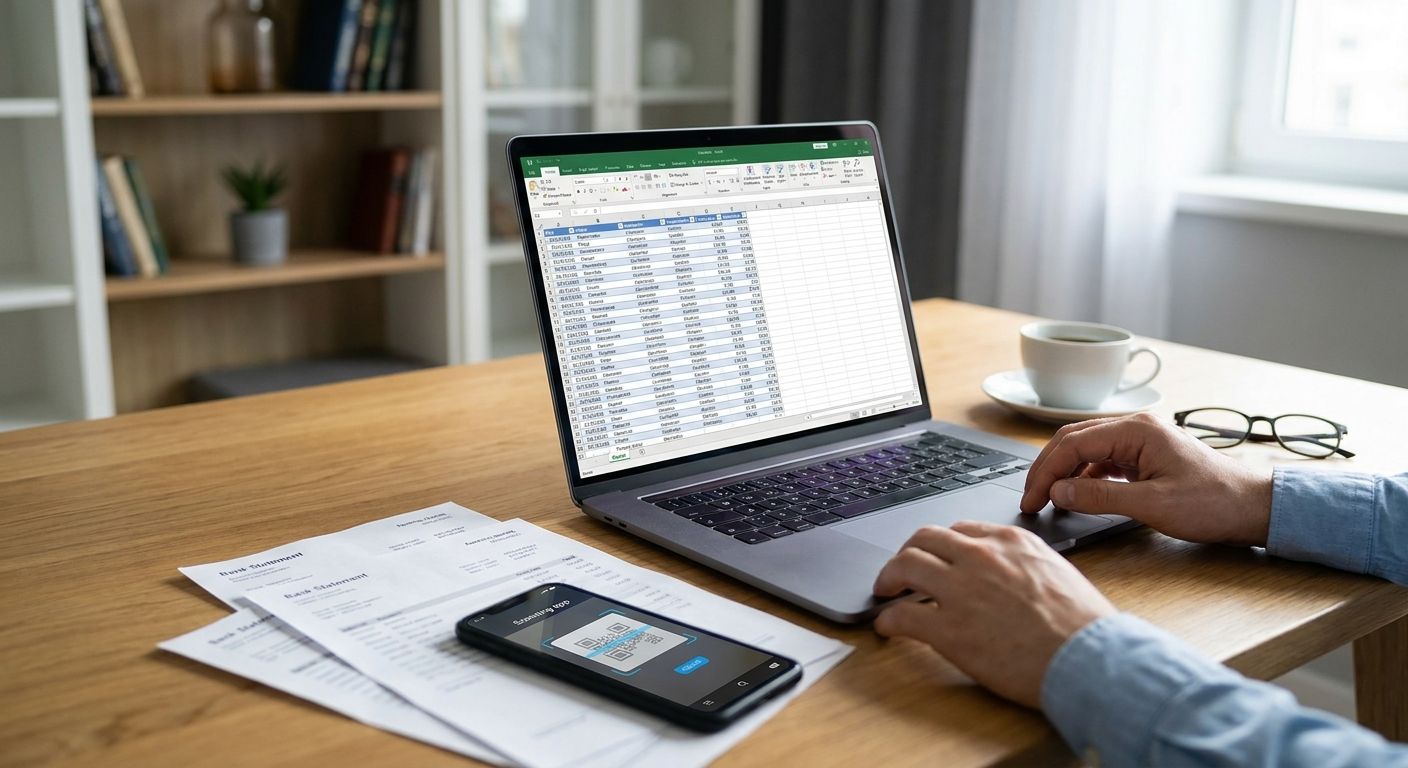
Converting a bank statement to Excel for bookkeeping means turning a PDF, scanned image, or downloaded statement into clean rows of dates, descriptions, and amounts you can reconcile against your books — without retyping every line by hand.
Three methods get you there in 2026: manual copy-paste, generic PDF-to-Excel or OCR tools, and purpose-built bank statement parsers. The method you pick changes your time cost far more than it changes the output format, and the hidden cost most bookkeepers miss is re-checking categorization after the export, not the export itself.
- Purpose-built parsers convert a bank statement to Excel in under 5 seconds at 99.5% accuracy — manual entry takes hours.
- Generic OCR and PDF converters export fast but misread merged columns, rounded totals, and multi-page statements.
- ClearStaq parses 900+ bank statement formats into clean, categorized line items ready for Excel or your accounting software.
- Reconciliation errors usually come from categorization after conversion, not from the conversion step itself.
Why this matters
Bookkeeping teams and CPA firms lose hours every close cycle re-typing transactions from PDF statements banks refuse to export as clean spreadsheets. Bank statement conversion software built for accounting firms exists specifically because manual re-entry is the single slowest step in monthly reconciliation, not the categorization or the review.
The stakes go up when the statement feeds a loan file, a tax return, or an audit trail — a mistyped decimal or a missed transaction doesn't just cost time, it costs accuracy on documents someone else relies on. That's a different risk profile than a personal Excel budget template, and it's why the conversion method matters more in bookkeeping and lending contexts than it does for casual use.
How do you convert bank statements to Excel for bookkeeping?
The process is the same regardless of which method you choose — only the speed and error rate change:
- Gather the statement — PDF download, scanned image, or paper copy covering the reconciliation period.
- Run it through a converter — manual entry, a generic PDF-to-Excel tool, or a purpose-built bank statement parser.
- Map each transaction to a column — date, description, debit, credit, running balance.
- Categorize each line against your chart of accounts.
- Reconcile the total against the statement's closing balance before importing anything into your books.
| Method | Speed | Error risk | Best for |
|---|---|---|---|
| Manual copy-paste | Hours per statement | High — transcription errors compound over pages | One-off statements, very low volume |
| Generic OCR/PDF converter | Minutes per file | Moderate — columns merge, totals misalign | Occasional conversions, single-bank formats |
| Purpose-built parser (ClearStaq) | Under 5 seconds per statement | Low — 99.5% accuracy across 900+ formats | Recurring bookkeeping, CPA firms, lenders |
Manual copy-paste: no software cost, highest time cost
Typing every transaction into Excel by hand costs nothing upfront and works for a single statement from a business owner who banks once a month. It falls apart fast past three or four accounts — every added page multiplies the chance of a mistyped amount or a skipped row, and nobody catches the error until the reconciliation total doesn't match. Verdict: Skip past a handful of statements a month.
Generic PDF/OCR converters: fast export, inconsistent accuracy
Off-the-shelf PDF-to-Excel tools export a statement in minutes, but most were built for generic documents, not bank statement layouts specifically. Multi-column transaction tables, split debit/credit fields, and multi-page statements from different banks each trip up generic OCR differently — you still end up manually fixing merged cells and misaligned totals. Verdict: Hold for occasional, single-format use; don't rely on it for recurring bookkeeping across multiple banks.
Purpose-built parsers: under 5 seconds per statement at 99.5% accuracy
A parser built specifically for bank statements — like ClearStaq — reads the statement layout, extracts every transaction line, and returns clean, categorized data in under 5 seconds at 99.5% accuracy across 900+ statement formats. That includes the layout differences between Chase, Bank of America, and Wells Fargo statements, which don't structure their transaction tables the same way. Verdict: Buy if you're converting statements more than a few times a month.
“The conversion step isn't where bookkeeping errors start — mismatched categorization after the export is.”
Why conversion accuracy varies
Not every bank statement is equally easy to convert, and the factors below explain most of the accuracy gap between methods in 2026:
- Statement format — a scanned image needs OCR before parsing; a native digital PDF doesn't.
- Bank-specific layout — Chase, Bank of America, and Wells Fargo each structure transaction tables differently, so a parser tuned for one format misreads another.
- Multi-page and multi-account statements — more pages mean more chances for a generic tool to lose track of running balances.
- Transaction volume — a business account with hundreds of monthly transactions surfaces more errors than a low-volume personal account.
- Output format needed — CSV, Excel, or a direct feed into accounting software each require different post-processing.
- Fraud or audit requirements — lenders and CPA firms reviewing statements for tax preparation need the conversion to flag anomalies, not just format the data.
Convert statements without the manual re-entry
Parse bank statements into clean, categorized data in seconds.
Related questions
Can Excel convert a bank statement PDF on its own?
Excel cannot parse a bank statement PDF on its own — it needs the data already in rows and columns before it can import it. You either type the data in manually, run the PDF through a converter first, or use a parser that outputs Excel-ready files directly.
Is converting a bank statement to Excel free?
Manual copy-paste costs nothing but your time, and that's the only genuinely free option in 2026. Generic OCR tools and purpose-built parsers both carry a cost, but the time saved on recurring conversions usually outweighs it once you're past a handful of statements a month.
Does converting bank statements to Excel catch bookkeeping errors or fraud?
A basic conversion just reformats the data — it doesn't check for errors or fraud on its own. Purpose-built platforms like ClearStaq layer 27+ fraud signals on top of the parsed data, which catches doctored statements and inconsistencies a plain spreadsheet won't.
FAQ
How do I convert a bank statement to Excel for bookkeeping in 2026?
Gather the statement, run it through a converter (manual entry, a generic OCR tool, or a purpose-built parser), map the transactions to columns, categorize each line, and reconcile the total against the closing balance. Purpose-built parsers complete this in under 5 seconds per statement.
What's the fastest way to convert a bank statement to Excel?
A purpose-built bank statement parser is fastest, converting a statement in under 5 seconds versus hours for manual entry. ClearStaq processes 900+ statement formats at that speed.
Is manual bank statement conversion accurate enough for bookkeeping?
Manual conversion carries the highest error risk of the three common methods because transcription mistakes compound across pages. It works for a single low-volume statement but doesn't scale past a handful per month.
Do generic OCR tools work for converting bank statements?
Generic OCR tools export a statement in minutes but frequently misread merged columns and multi-page totals because they weren't built for bank statement layouts specifically. They work for occasional single-format conversions, not recurring multi-bank bookkeeping.
How accurate is ClearStaq at converting bank statements?
ClearStaq converts bank statements at 99.5% accuracy across 900+ formats, including the layout differences between major banks like Chase, Bank of America, and Wells Fargo.
Can converted bank statements be imported straight into accounting software?
Yes — once a statement is parsed into clean rows, it can be exported as Excel or CSV and imported directly into most accounting software. The categorization step still needs a human check against your chart of accounts.
Why do bank statement conversions fail on multi-page statements?
Multi-page statements fail more often with generic tools because running balances and transaction tables can break across page boundaries, which confuses OCR that isn't tuned for bank-specific layouts. Purpose-built parsers handle multi-page statements as a single continuous ledger.
Does converting a bank statement to Excel detect fraud?
A basic conversion doesn't detect fraud — it only reformats the data into rows and columns. Platforms with built-in fraud detection, like ClearStaq's 27+ signal checks, flag doctored statements during the same parsing step.
One last thing
The part of this process that trips up experienced bookkeepers isn't the conversion — it's assuming one converter handles every bank the same way. Chase, Bank of America, and Wells Fargo statements each lay out transaction tables differently enough in 2026 that a tool tuned for one format will misread another, which is exactly where generic OCR tools lose accuracy on multi-bank client files.
If you're converting statements from more than two or three banks a month, check whether your tool handles bank-specific formats before you trust the output for reconciliation.
Related guides
ClearStaq Team
Content Team
The ClearStaq team builds AI-powered tools for bank statement parsing, fraud detection, and income verification.