## The Bank Statement Time Trap That's Killing Your CPA Practice
Your CPA firm processes hundreds of bank statements every month. Each client drops off stacks of paper statements or sends PDFs that someone needs to manually review, categorize, and enter into your accounting software.
Here's what that really costs you: The average CPA spends 12-15 hours per week on bank statement processing tasks. That's nearly half your billable time going toward data entry instead of high-value advisory services.
For a practice with 150 clients, manual bank statement processing eats up 780 hours annually per staff member. At $75/hour billing rates, that's $58,500 in potential revenue you're leaving on the table every year.
## Why Manual Bank Statement Processing Doesn't Scale
Your current process probably looks like this: Client emails bank statements. Junior staff member opens each PDF, manually types transaction details into spreadsheets, categorizes expenses, flags unusual items, and creates summaries for review.
This approach breaks down fast when you're dealing with business clients who have multiple accounts. A restaurant client might have checking, savings, merchant processing, and loan accounts. That's four separate statements to process monthly.
Manual processing also introduces errors. Studies show data entry accuracy drops to 85% when staff handle repetitive tasks for more than 2 hours straight. One miskeyed amount can throw off entire financial statements.
The biggest problem? You can't scale manual processes. Adding more clients means hiring more staff or working longer hours. Neither option improves your profit margins.
## The ROI of Bank Statement Extraction for Bookkeepers
Automated bank statement processing flips this equation entirely. Instead of spending hours on data entry, your staff uploads statements and gets clean, categorized data in minutes.
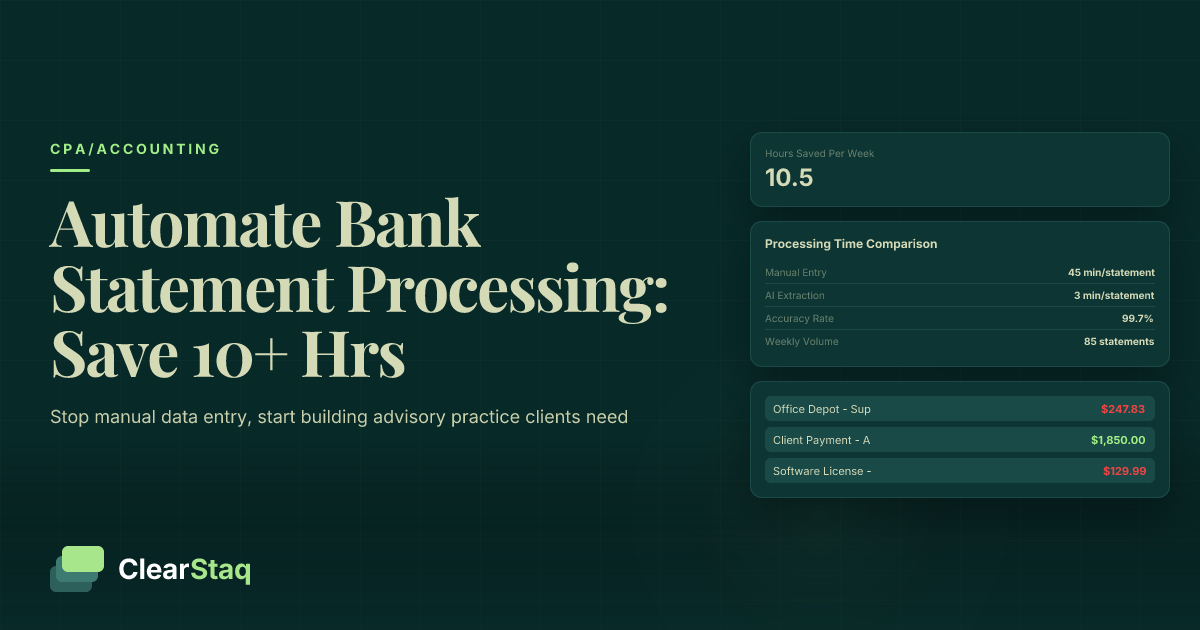
[Bank statement parsing technology](/features/bank-statement-parsing) reads PDF statements automatically. The system extracts transaction dates, amounts, descriptions, and running balances with 99.7% accuracy.
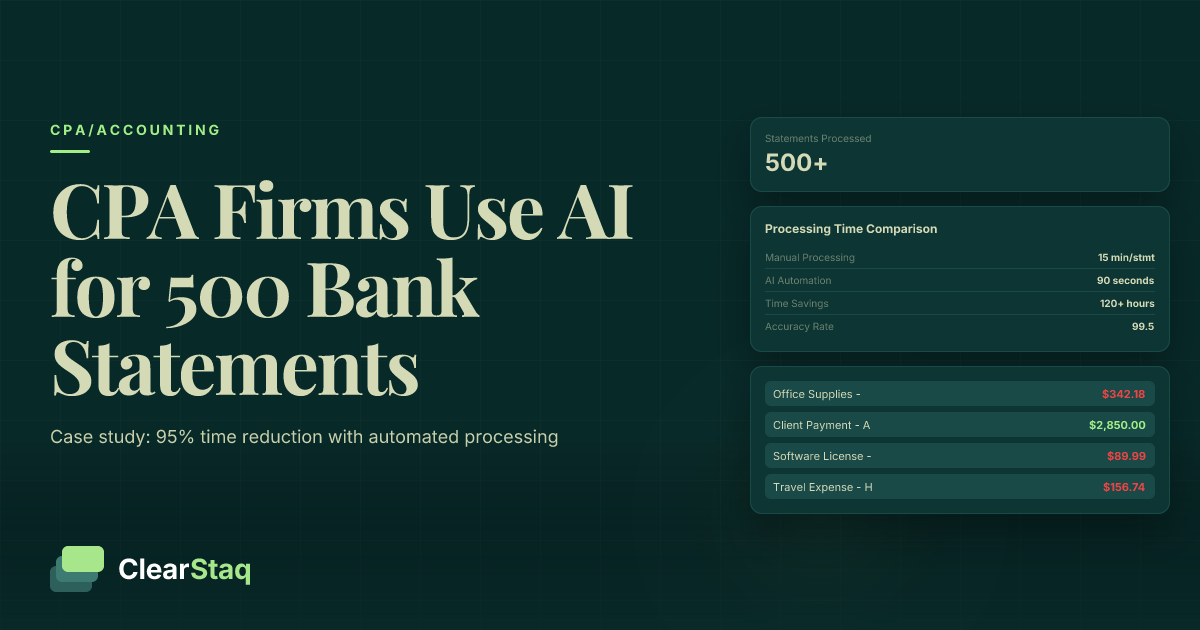
Here's the time breakdown for a typical 30-transaction statement:
- Manual processing: 45 minutes
- Automated processing: 3 minutes
- Time savings: 42 minutes per statement
Multiply that across your client base. If your firm processes 600 statements monthly, automation saves 420 hours per month. That's 10.5 weeks of full-time work you can redirect toward advisory services.
## Real Numbers: CPA Firms Using Automated Processing
Levine & Associates, a 12-person CPA firm in Phoenix, automated their bank statement workflow last year. They now process 40% more clients with the same staff size.
"We were drowning in bank statements during tax season," says partner Rachel Levine. "Our junior staff spent entire days just entering transaction data. Now that same work takes 20 minutes."
The firm's numbers tell the story:
- Processing time per statement: Down from 35 minutes to 4 minutes
- Staff overtime during tax season: Reduced by 60%
- Client capacity: Increased from 180 to 250 clients
- Revenue per employee: Up 28%
Another firm, Martinez CPAs in Dallas, uses automated processing for their small business clients. They've cut statement processing time from 15 hours to 2 hours weekly. The extra 13 hours go toward tax planning consultations that bill at $150/hour.
## How to Automate Bank Statement Processing CPA Workflows
The automation process starts with document ingestion. Your staff uploads PDF statements directly into the system. The AI reads each statement and extracts key data points:
- Transaction dates and amounts
- Payee names and descriptions
- Account balances and running totals
- Check numbers and reference codes
- Fee categories and interest calculations
The system handles different bank formats automatically. Whether your client uses Wells Fargo, Bank of America, or a local credit union, the extraction works consistently.
Next comes data normalization. The AI standardizes transaction descriptions and suggests categories based on your chart of accounts. "AMZN MKTP US" becomes "Amazon Marketplace - Office Supplies" with the correct expense category attached.
[Financial analysis features](/features/financial-analysis) flag unusual transactions for review. Large cash deposits, round-number transfers, or payments to unfamiliar vendors get highlighted for your attention.
The cleaned data exports directly to QuickBooks, Sage, or whatever accounting software your firm uses. No manual typing required.
## Fraud Detection: Protecting Your Clients (and Your Liability)
Automated processing does more than save time. [Advanced fraud detection](/features/fraud-detection) algorithms scan every transaction for suspicious patterns.
The system catches red flags that humans miss:
- Duplicate payments to the same vendor
- Unusual after-hours transactions
- Payments to shell companies or known fraud entities
- Altered check amounts or forged signatures
- Suspicious round-number deposits
One CPA firm caught a $12,000 embezzlement scheme because their automated system flagged unusual weekend ACH transfers. The client's bookkeeper had been moving money to personal accounts every Friday evening.
Manual review would have missed this pattern. The transfers were small enough to avoid triggering bank alerts, but the AI detected the timing pattern immediately.
This fraud detection protects your professional liability. When you spot financial irregularities early, you can alert clients and recommend corrective action before problems escalate.
## Integration with Tax Return Processing
Bank statement automation works hand-in-hand with [tax return parsing](/features/tax-return-parsing) systems. The combination gives you complete financial visibility for each client.
During tax prep, you can compare bank statement data against reported income and expenses. Discrepancies get flagged automatically:
- Income reported on returns vs. deposits shown on statements
- Business expenses claimed vs. actual payments made
- Estimated tax payments vs. bank records
This cross-verification catches errors before you file returns. It also helps identify additional deductions clients might have missed.
For business clients, the integration speeds up tax preparation significantly. Instead of requesting documentation for every expense, you already have transaction-level detail from their bank statements.
## Choosing the Right Automation Platform
Not all bank statement processing tools work the same way. Here's what to look for:
**Accuracy rates above 99%**: Anything lower means you'll spend time fixing errors instead of saving time.
**Multi-bank support**: Your clients bank everywhere. The system should handle major banks plus credit unions and online banks.
**Security compliance**: Look for SOC 2 Type II certification and bank-level encryption. You're handling sensitive financial data.
**Integration capabilities**: The platform should connect with your existing accounting software, not force you to change workflows.
**API access**: [API connectivity](/features/api) lets you build custom integrations and automate file transfers.
**Scalable pricing**: As your firm grows, processing costs should scale predictably.
## Implementation Timeline and Training
Most CPA firms get automated bank statement processing running within 2-3 weeks. Here's the typical timeline:
**Week 1**: Platform setup and staff training. Your team learns the upload process and reviews sample outputs.
**Week 2**: Pilot testing with 10-15 existing clients. You process their statements using both manual and automated methods to verify accuracy.
**Week 3**: Full rollout to your entire client base. Staff confidence builds as they see consistent time savings.
The learning curve is minimal. If your staff can upload files and review spreadsheets, they can handle automated processing.
Training focuses on quality control rather than data entry. Staff learn to spot and resolve the 5-10% of transactions that need human review.
## Measuring Your Time Savings
Track these metrics to quantify your automation ROI:
**Processing time per statement**: Measure before and after automation. Most firms see 85-90% time reductions.
**Error rates**: Count data entry mistakes in manual vs. automated processing. Automation typically reduces errors by 95%.
**Staff utilization**: Track how much time shifts from data entry to client advisory work.
**Client capacity**: Monitor how many additional clients you can serve with the same staffing level.
**Revenue per employee**: Calculate billing increases as staff focus on higher-value services.
One firm tracked their numbers for six months post-implementation. They found automation saved 52 hours monthly across their team. Those hours generated an additional $7,800 in advisory revenue each month.
## Common Implementation Challenges (and Solutions)
Some bank statement formats cause processing hiccups initially. Credit union statements often use non-standard layouts that need custom configuration.
Solution: Work with vendors who offer format training for unusual statement types. Most platforms learn new formats within 24-48 hours.
Staff resistance is another common issue. Experienced bookkeepers sometimes prefer manual methods they know well.
Solution: Start with enthusiastic early adopters. Let them demonstrate time savings to skeptical colleagues. Success stories from peers convince holdouts better than management mandates.
Client education takes effort upfront. Some clients need help providing statements in the right format or frequency.
Solution: Create simple guides showing clients how to download and email their statements. Offer brief training calls for clients who need extra help.
## Future-Proofing Your CPA Practice
Bank statement automation is just the beginning. Forward-thinking CPA firms use saved time to expand into advisory services that command premium rates:
- Cash flow forecasting and management
- Financial dashboard creation and monitoring
- Profitability analysis by business segment
- Fraud prevention consulting
- CFO-level strategic planning
These services bill at $125-200/hour compared to $50-75/hour for basic bookkeeping. Automation gives you the capacity to offer them profitably.
The firms that embrace automation now will dominate their markets in 3-5 years. Those that stick with manual processing will struggle to compete on both price and service quality.
Your clients expect faster turnaround times and deeper insights. Manual bank statement processing can't deliver either one consistently.
## Getting Started with Automated Bank Statement Processing
Begin with a pilot program using your 10 most statement-heavy clients. Calculate exact time savings and accuracy improvements over 30 days.
Present the results to your partners or practice manager. The business case writes itself when you can show 10+ hours weekly savings per staff member.
[Schedule a demo](/demo) to see bank statement automation in action. You'll process real statements and see how the technology handles your specific client scenarios.
The implementation process is straightforward, but the impact on your practice is transformational. Stop spending half your time on data entry and start building the advisory practice your clients actually need.
**Ready to reclaim 10+ hours per week from bank statement processing?** [Get pricing information](/pricing) and discover how automation can transform your CPA practice. Your competitors are already making this shift – don't get left behind.